Page 1 of 51
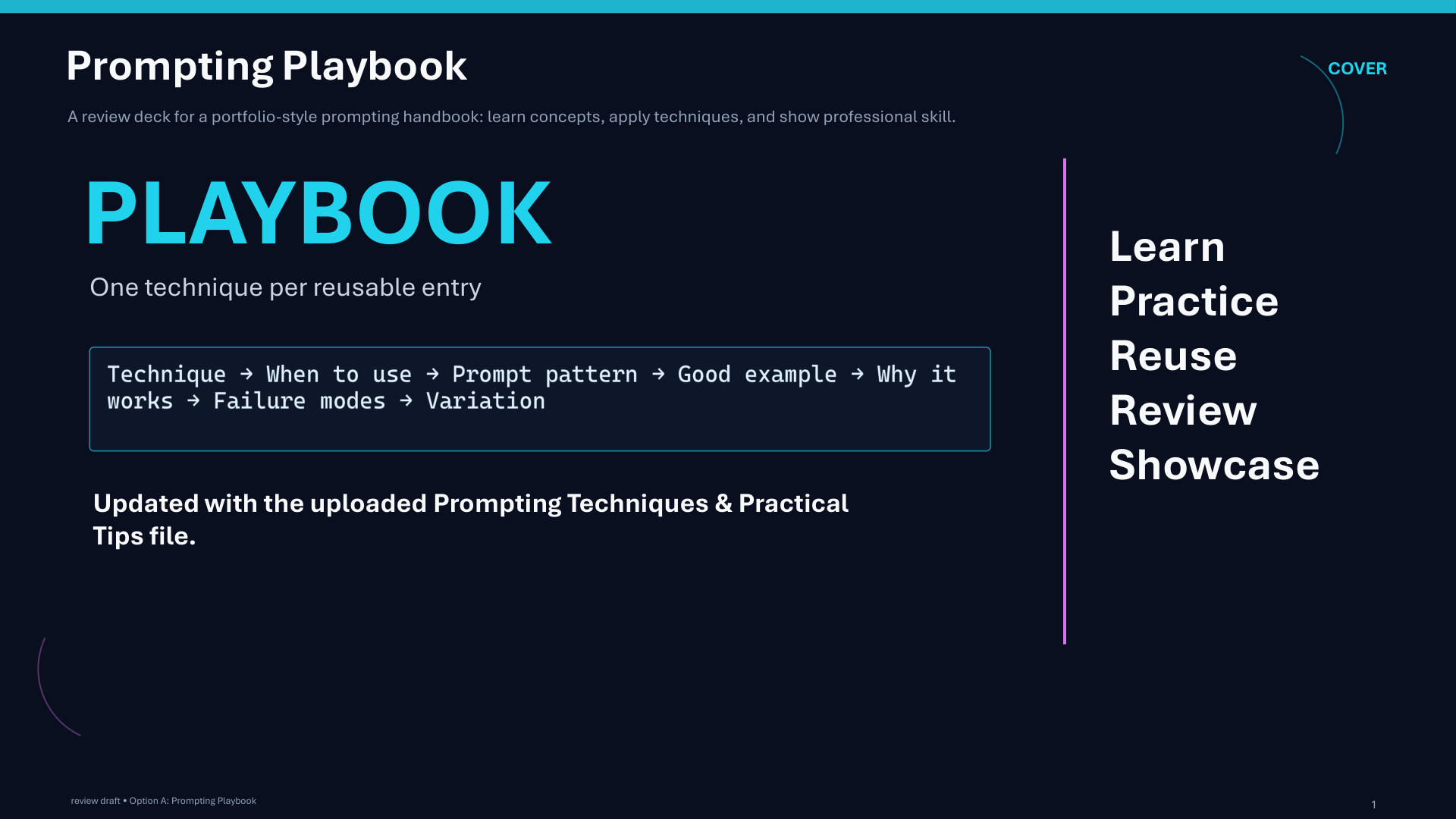
Page 1: Prompting Playbook
Page 2 of 51
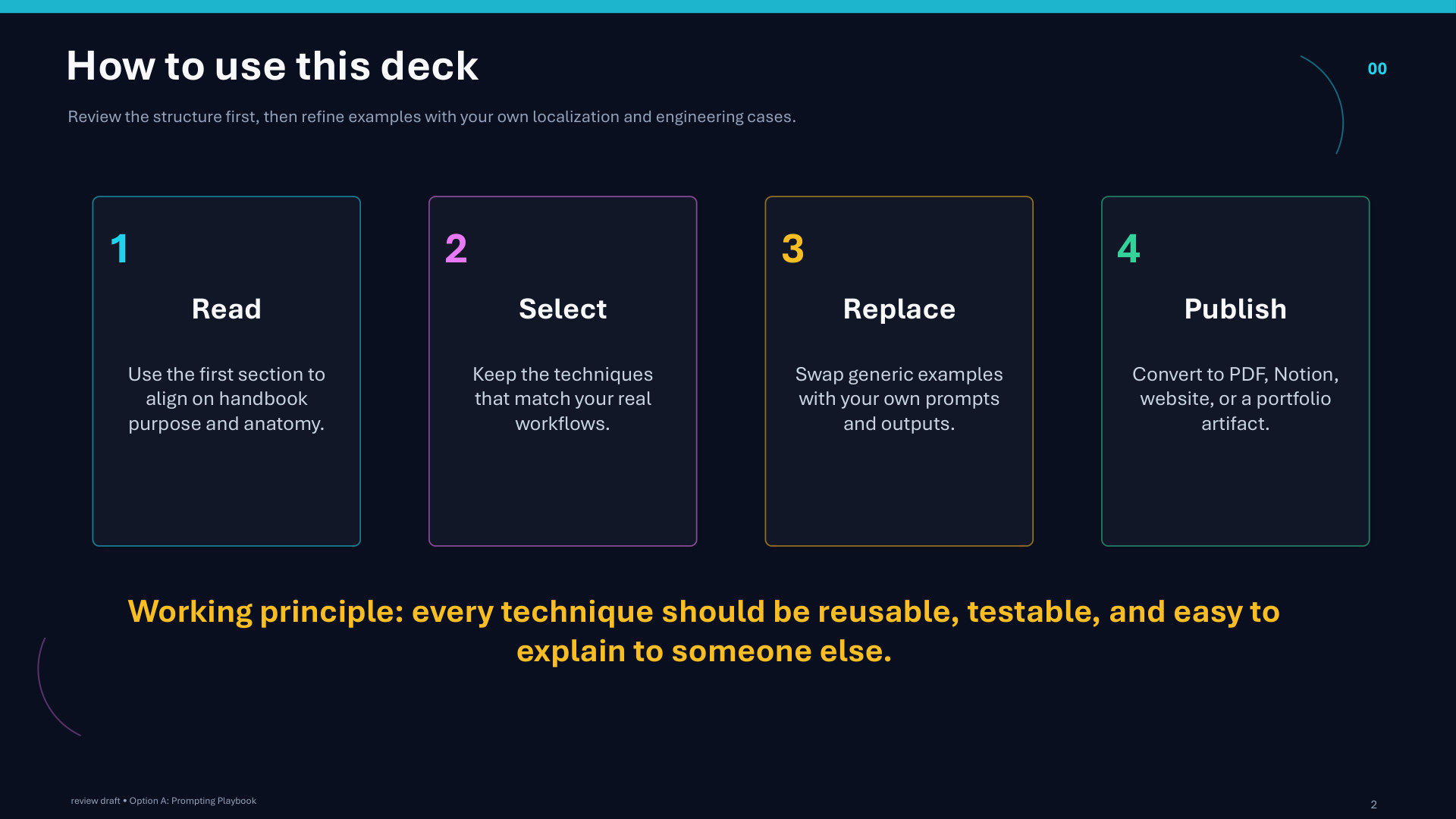
Page 2: How to use this deck
Page 3 of 51
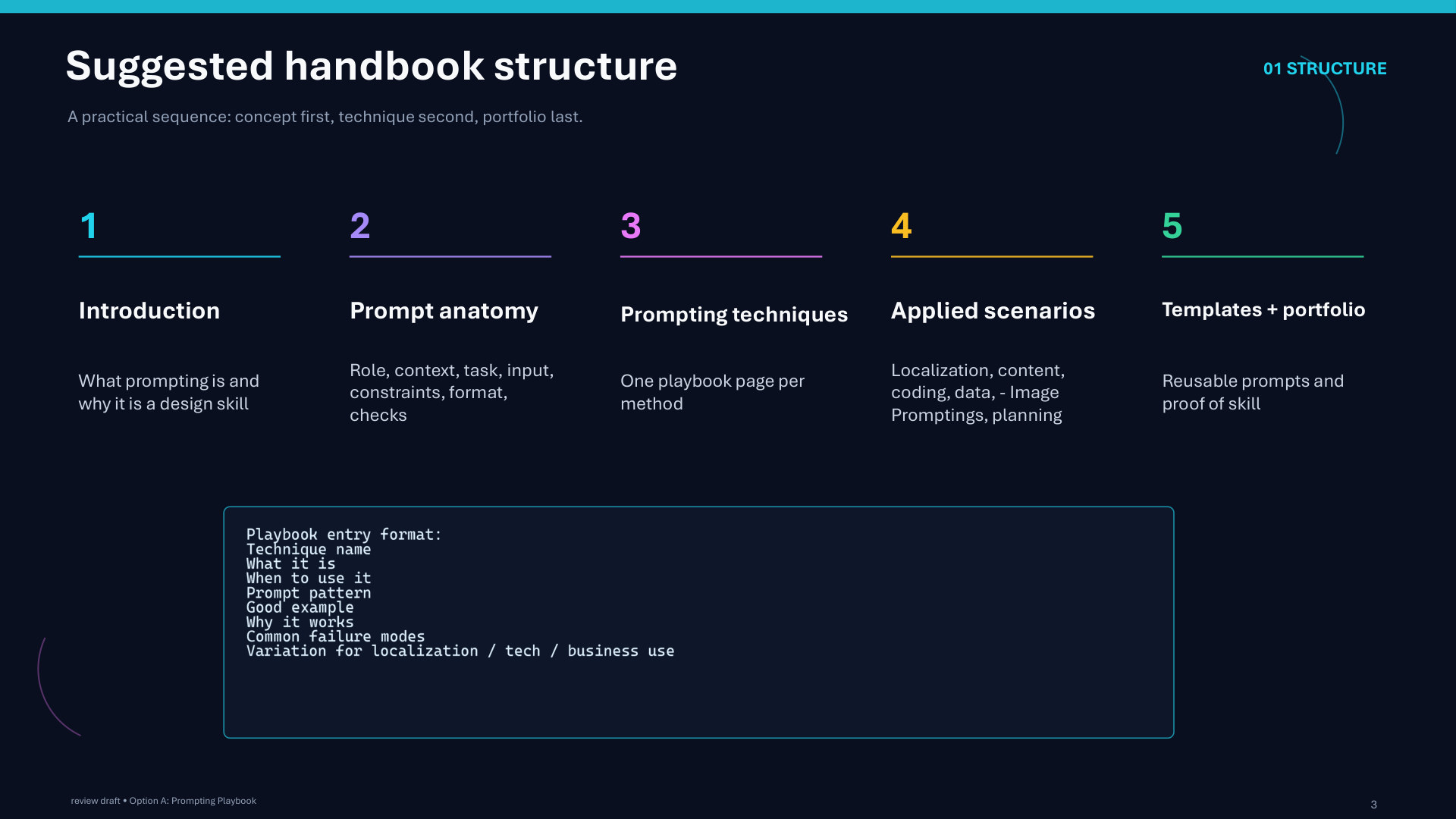
Page 3: Suggested handbook structure
Page 4 of 51
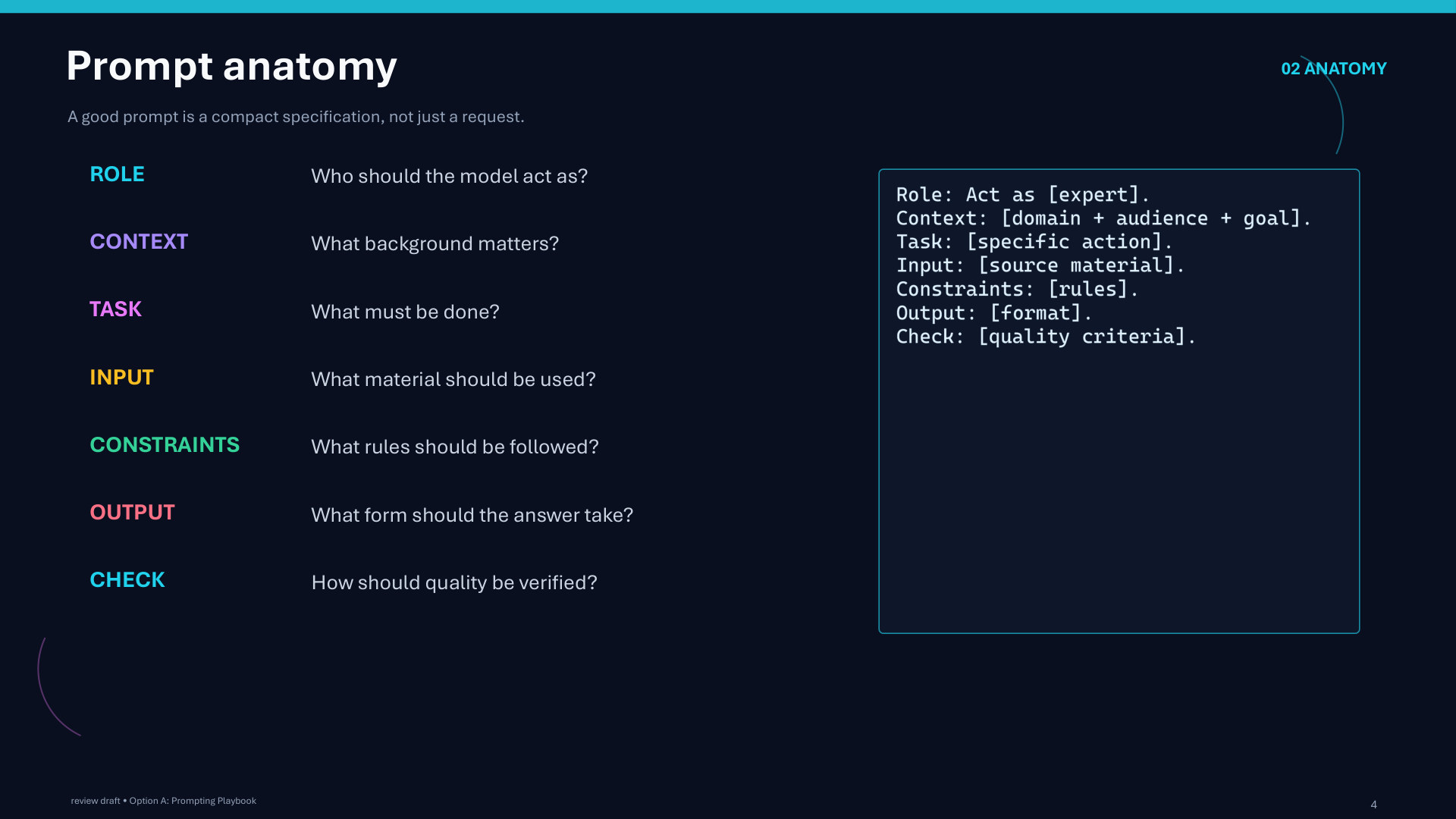
Page 4: Prompt anatomy
Page 5 of 51
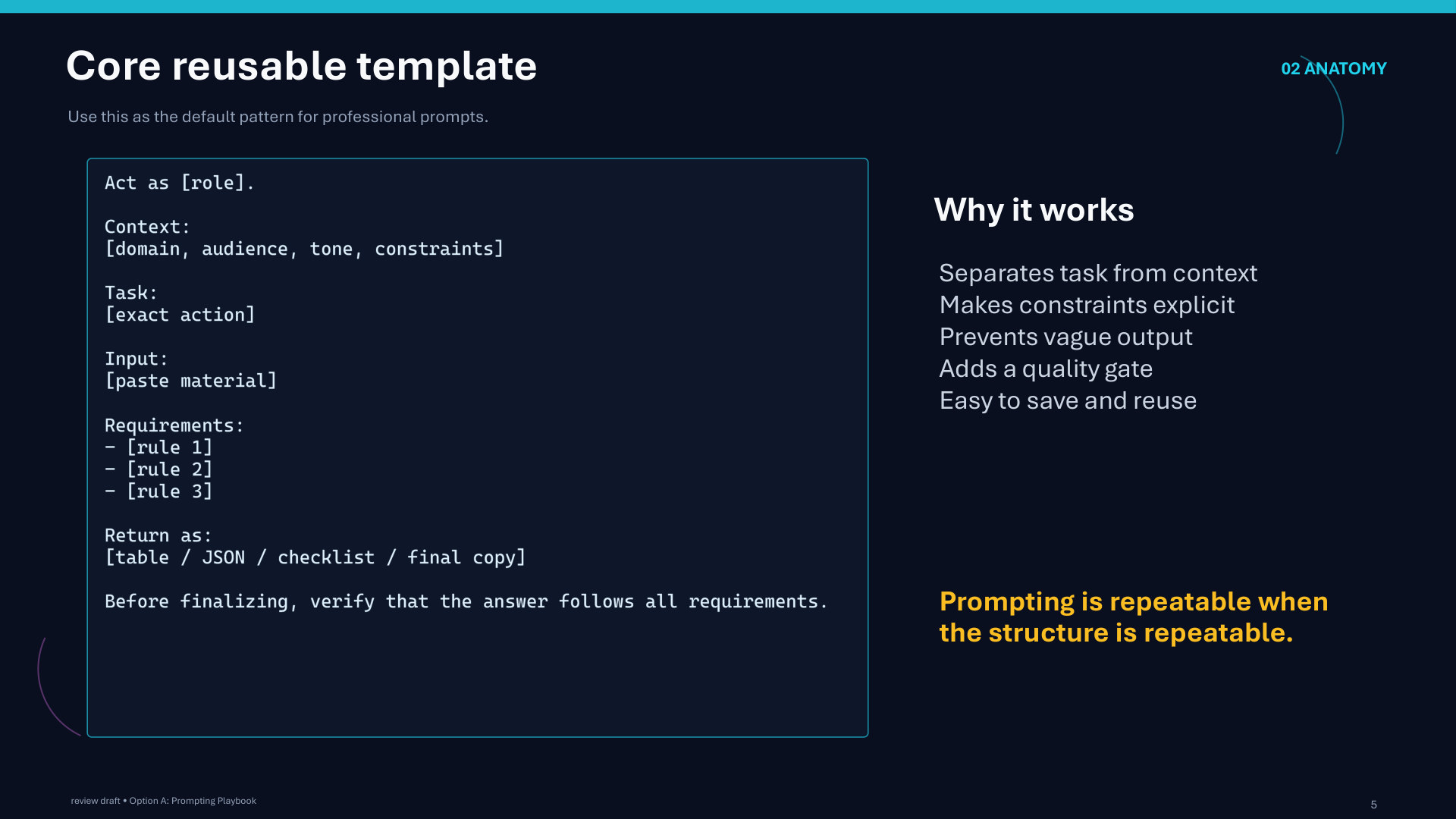
Page 5: Core reusable template
Page 6 of 51
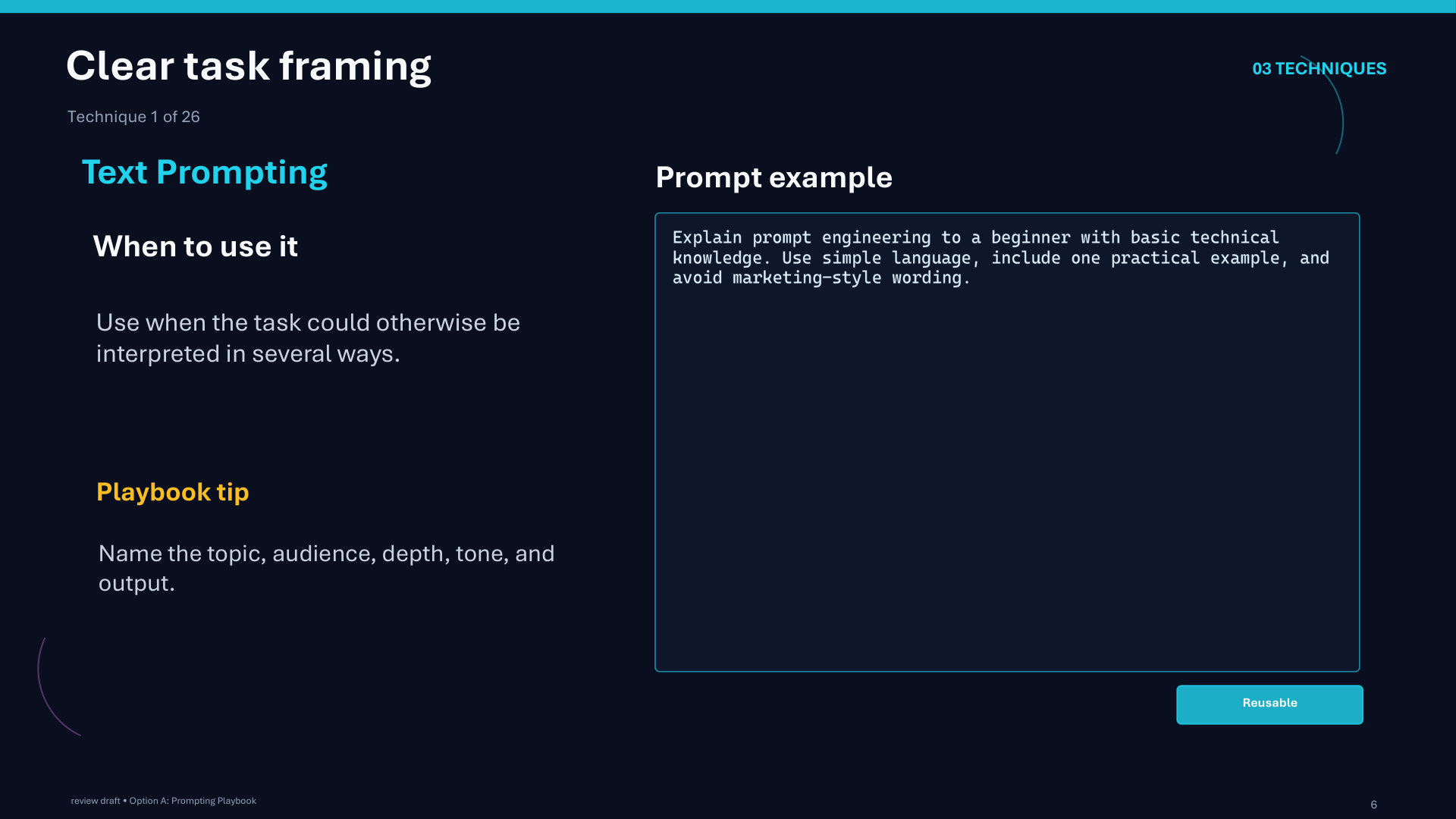
Page 6: Clear task framing
Page 7 of 51
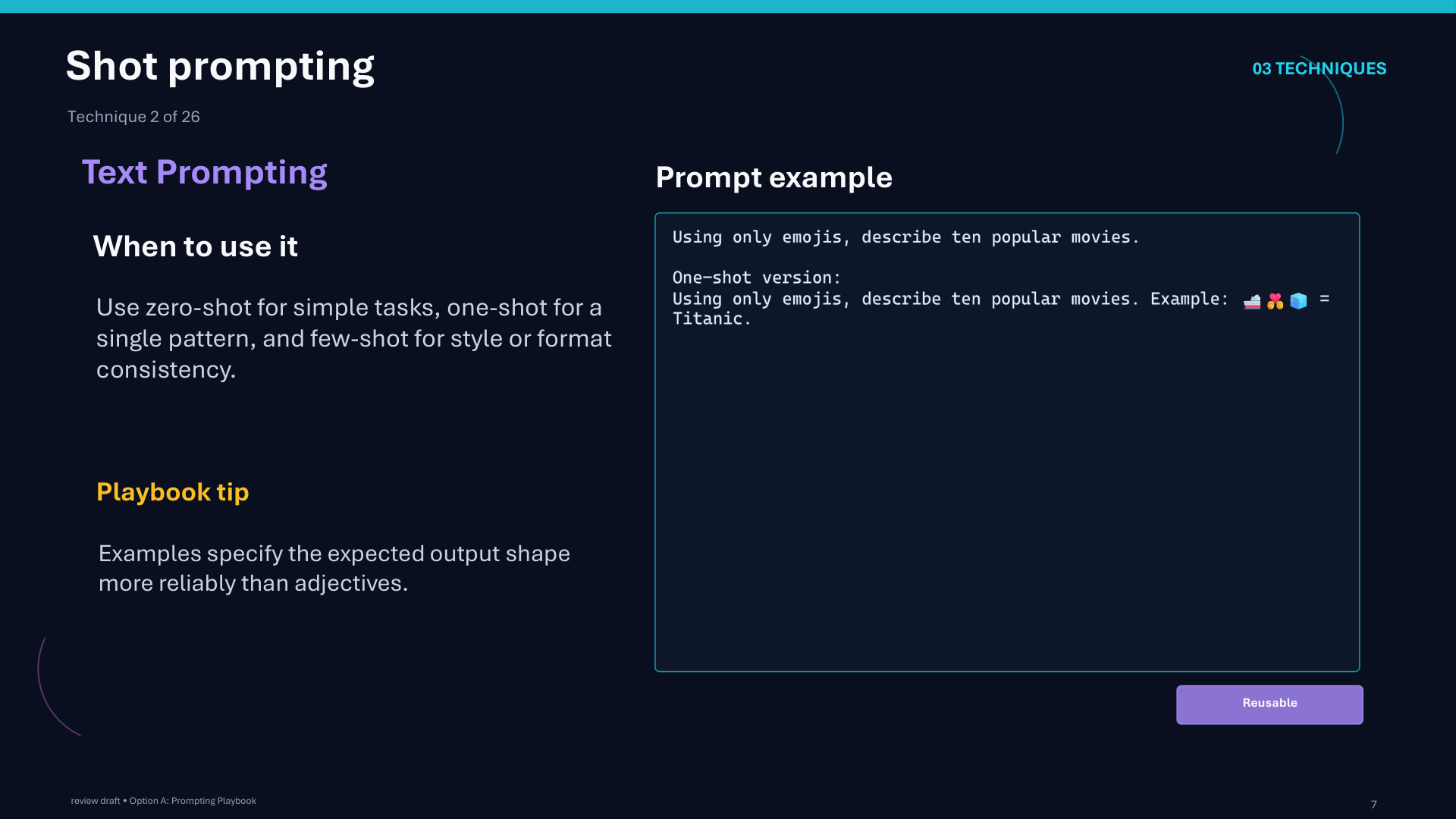
Page 7: Shot prompting
Page 8 of 51
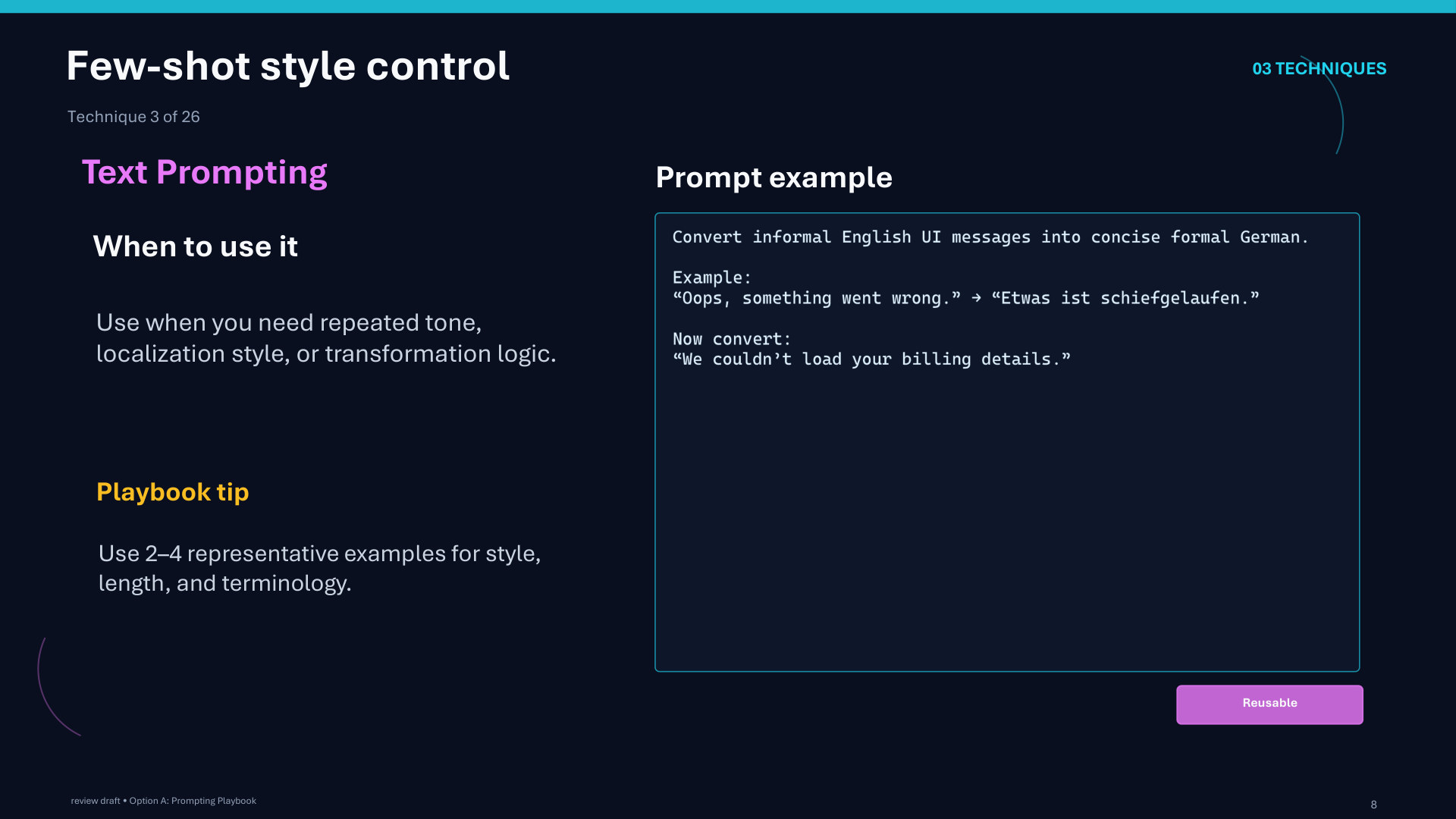
Page 8: Few-shot style control
Page 9 of 51
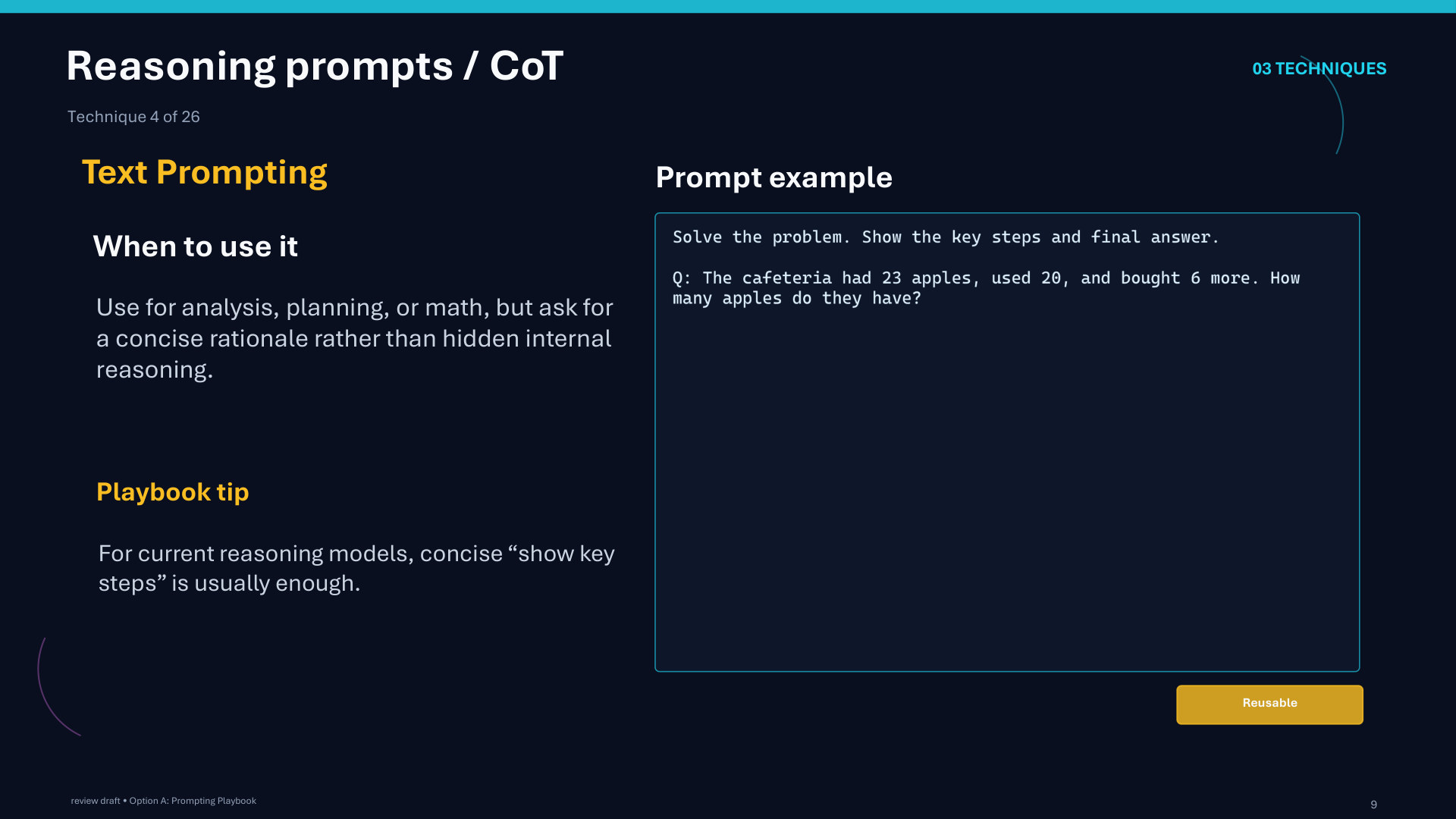
Page 9: Reasoning prompts / CoT
Page 10 of 51
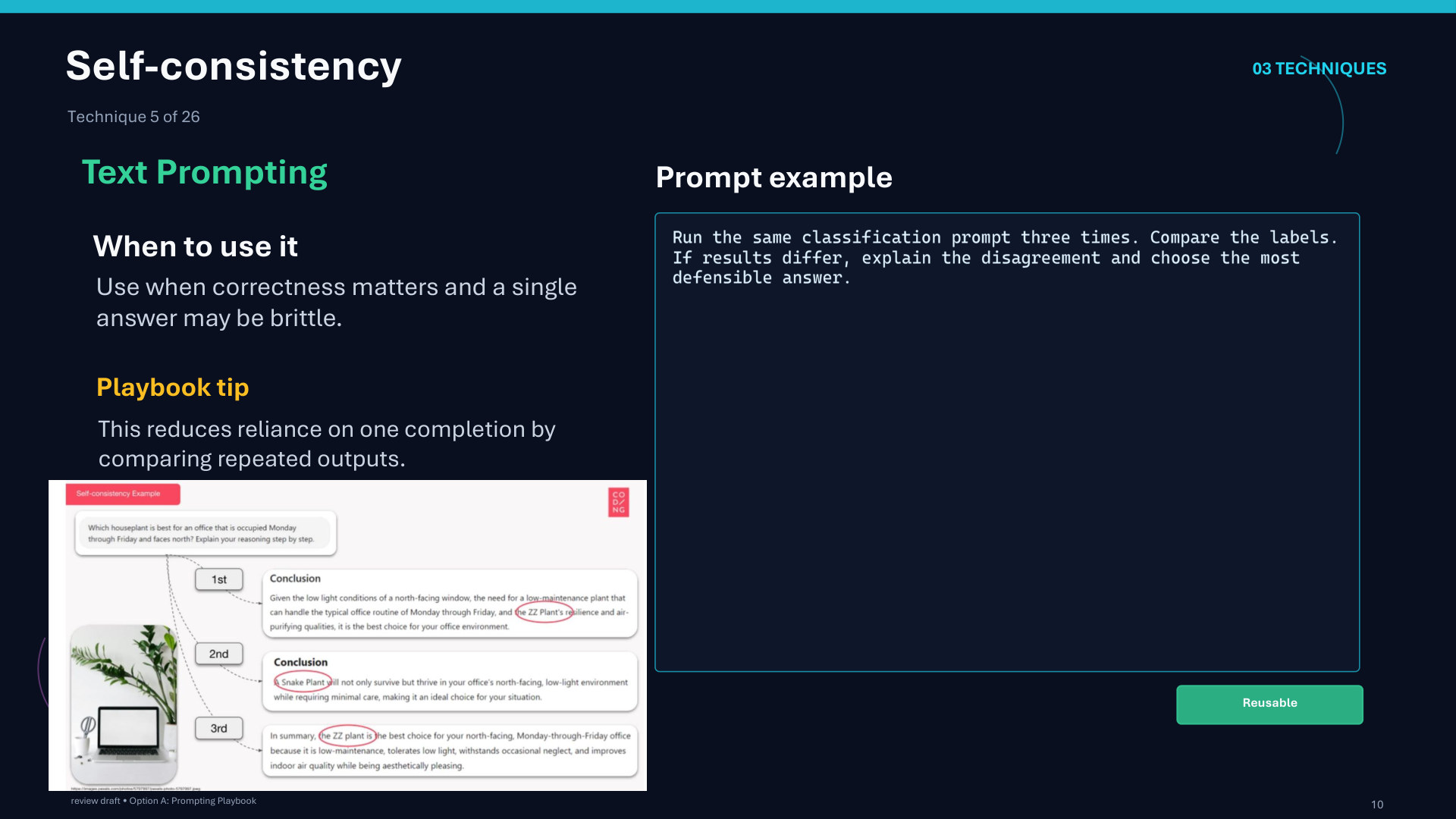
Page 10: Self-consistency
Page 11 of 51
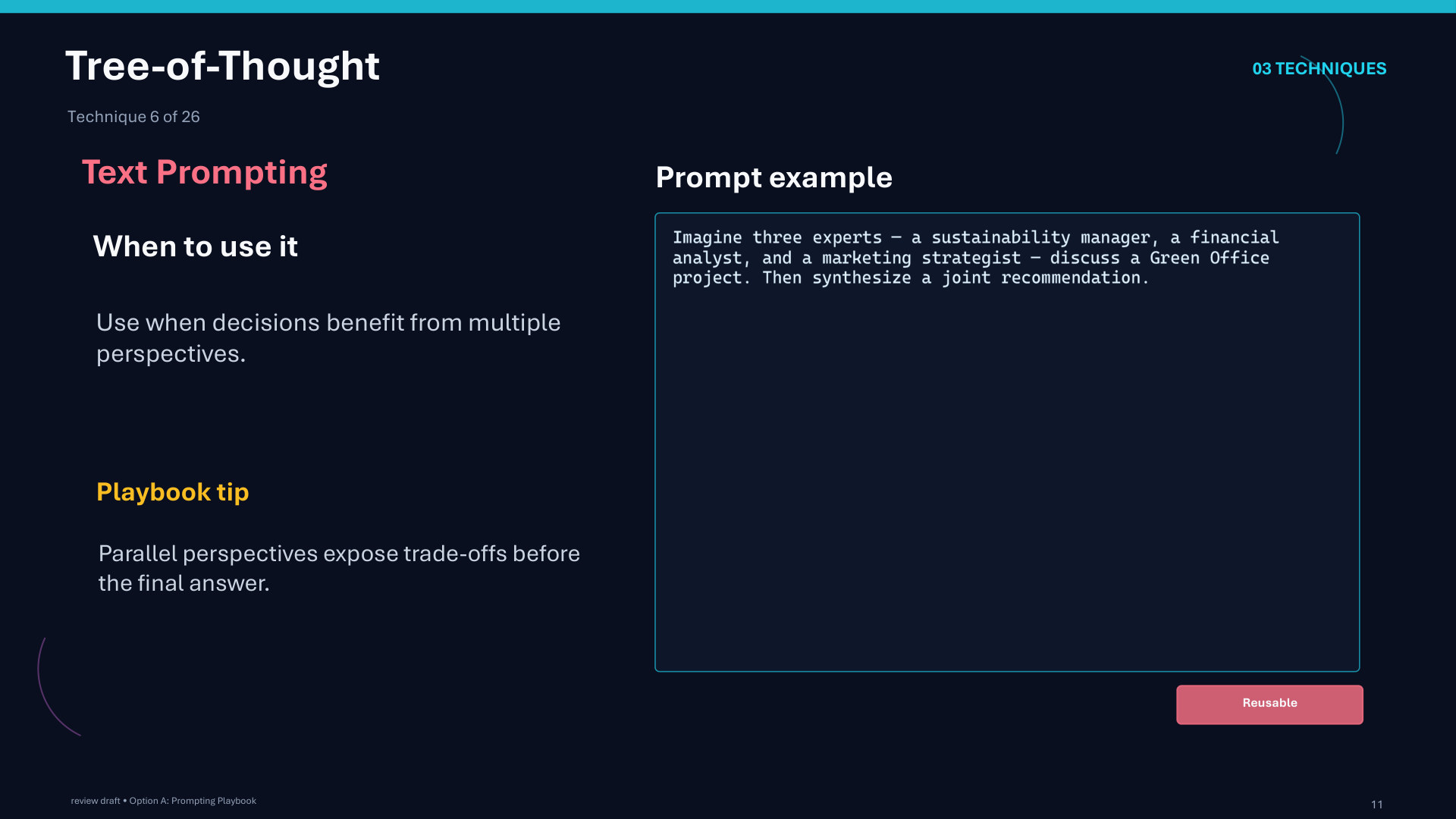
Page 11: Tree-of-Thought
Page 12 of 51
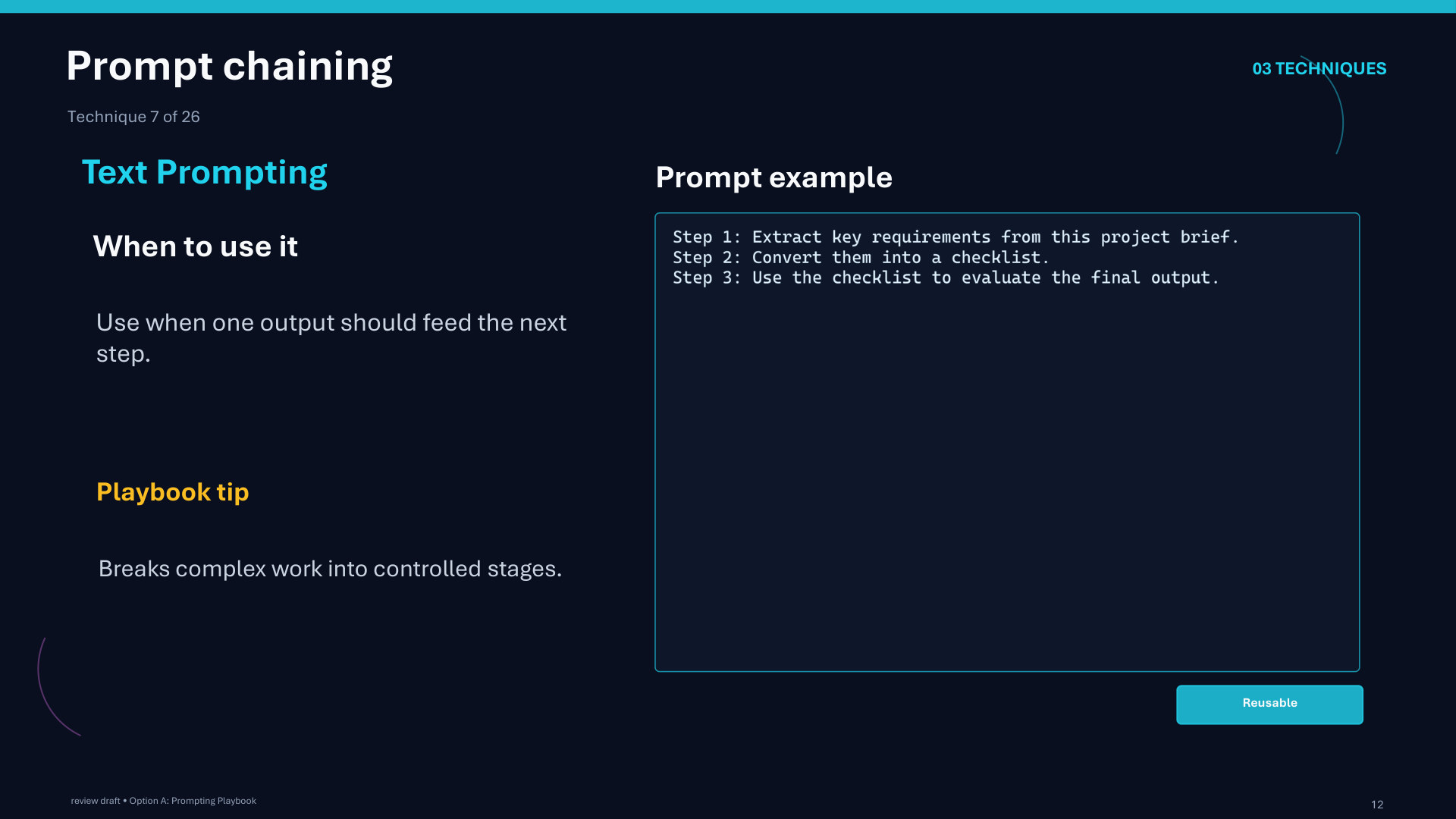
Page 12: Prompt chaining
Page 13 of 51
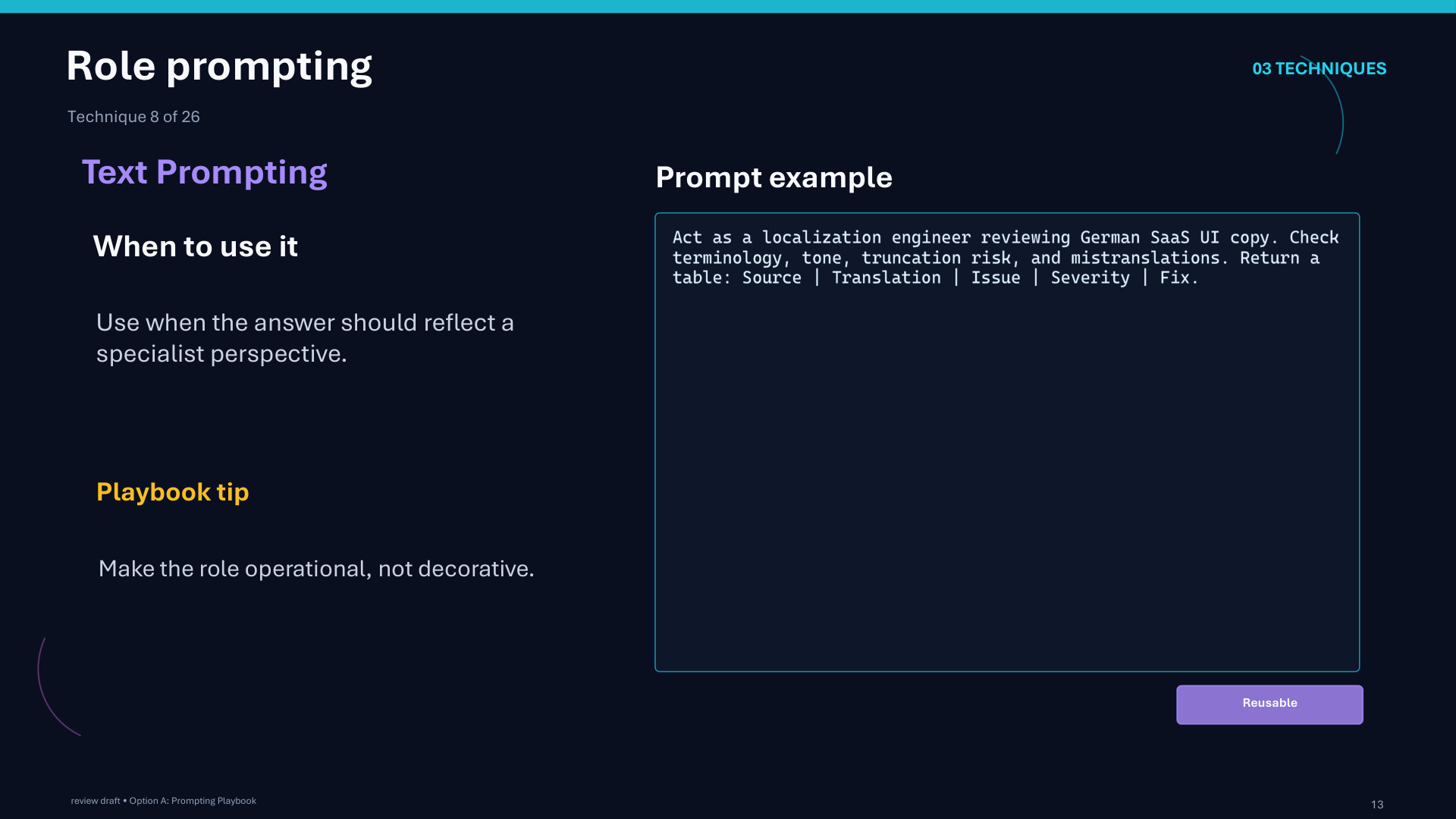
Page 13: Role prompting
Page 14 of 51
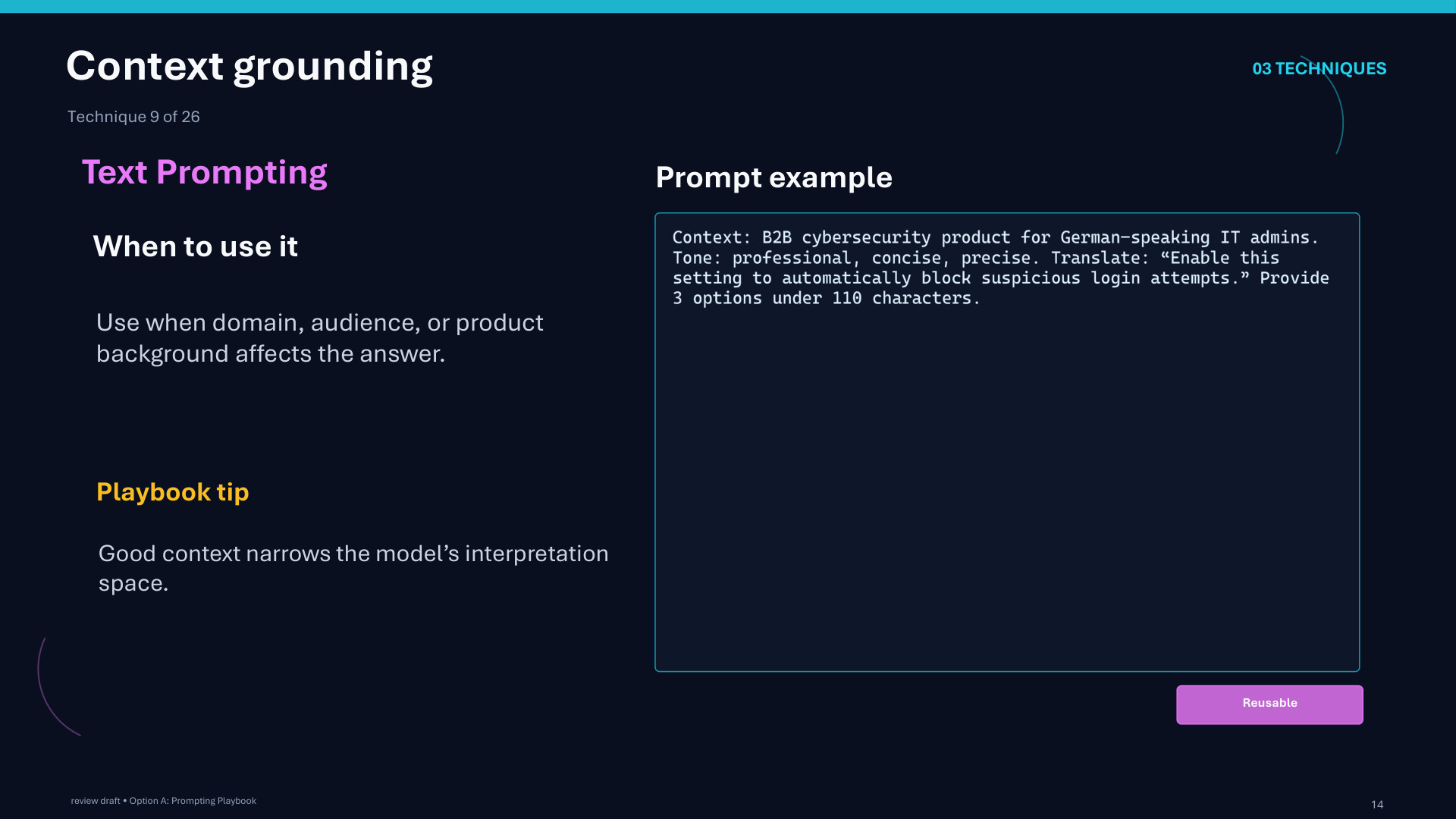
Page 14: Context grounding
Page 15 of 51
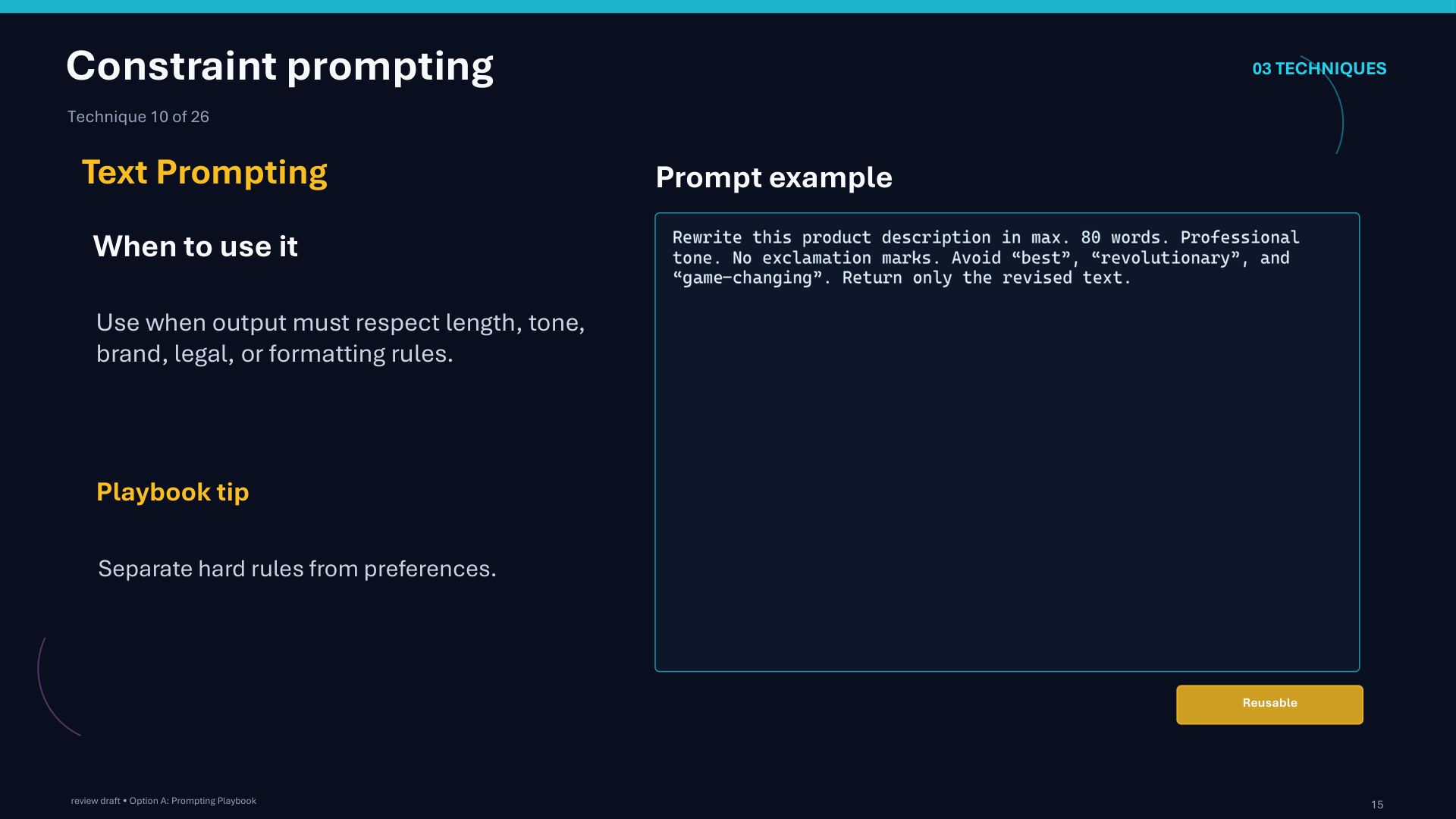
Page 15: Constraint prompting
Page 16 of 51
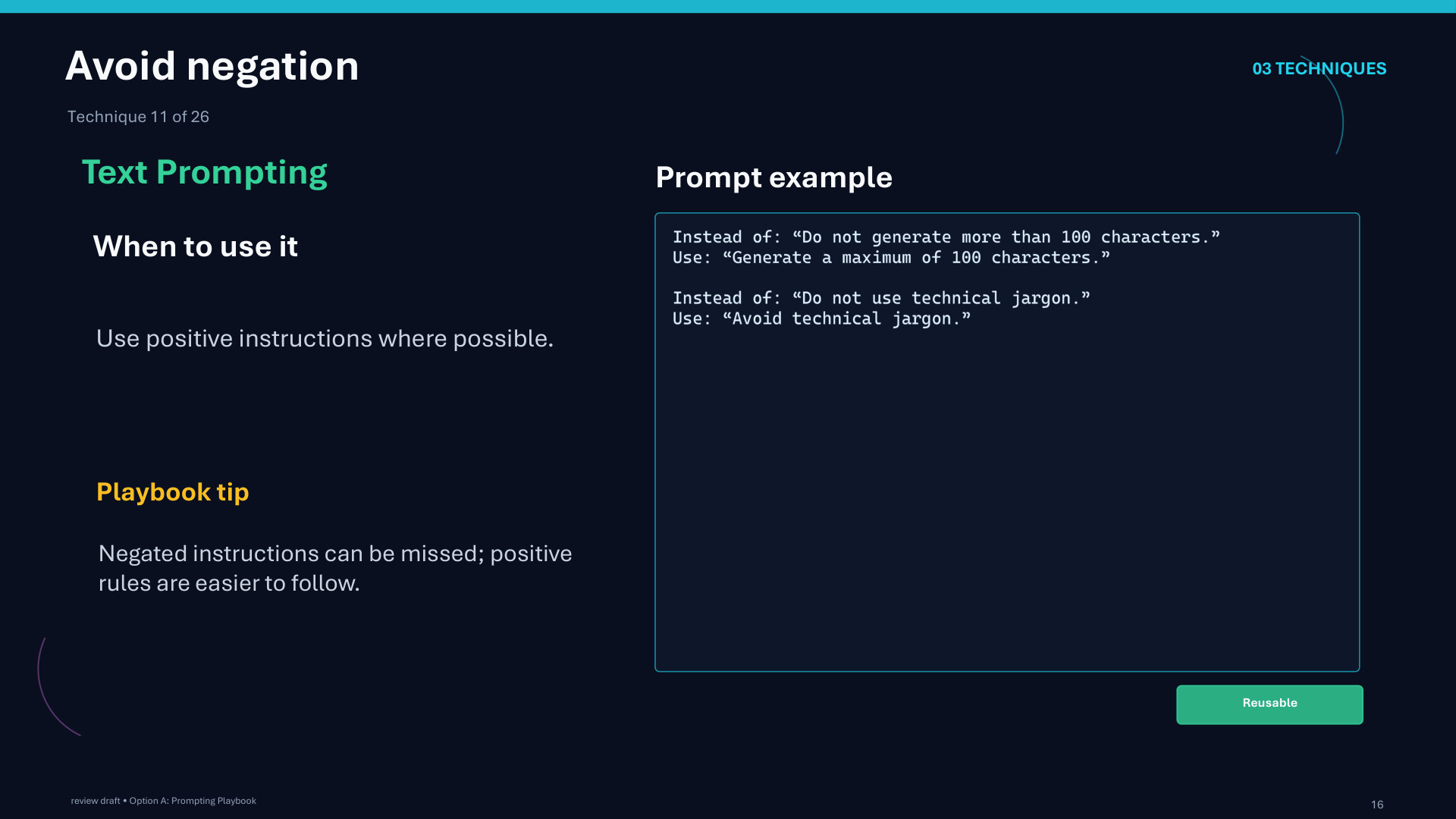
Page 16: Avoid negation
Page 17 of 51
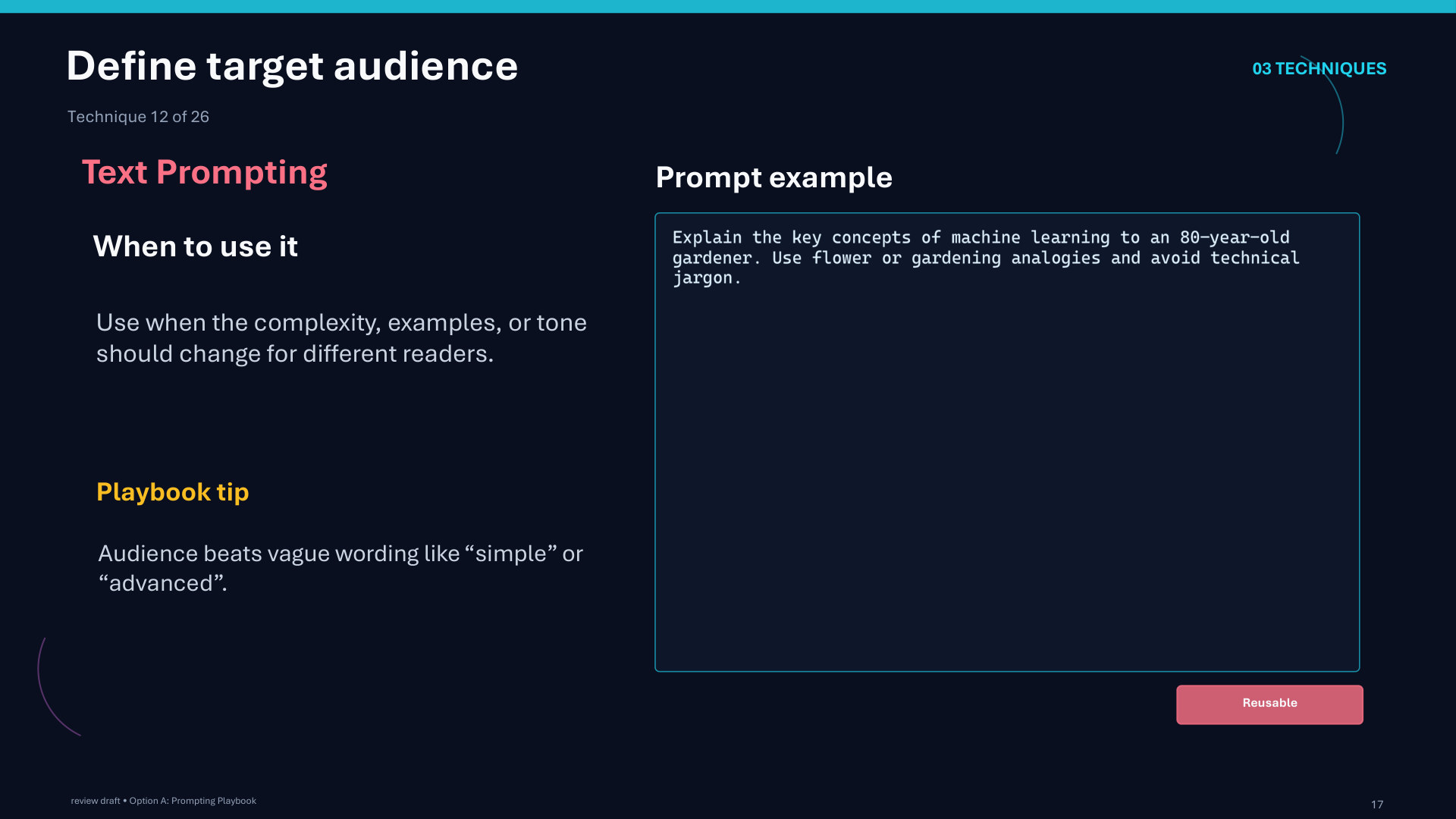
Page 17: Define target audience
Page 18 of 51
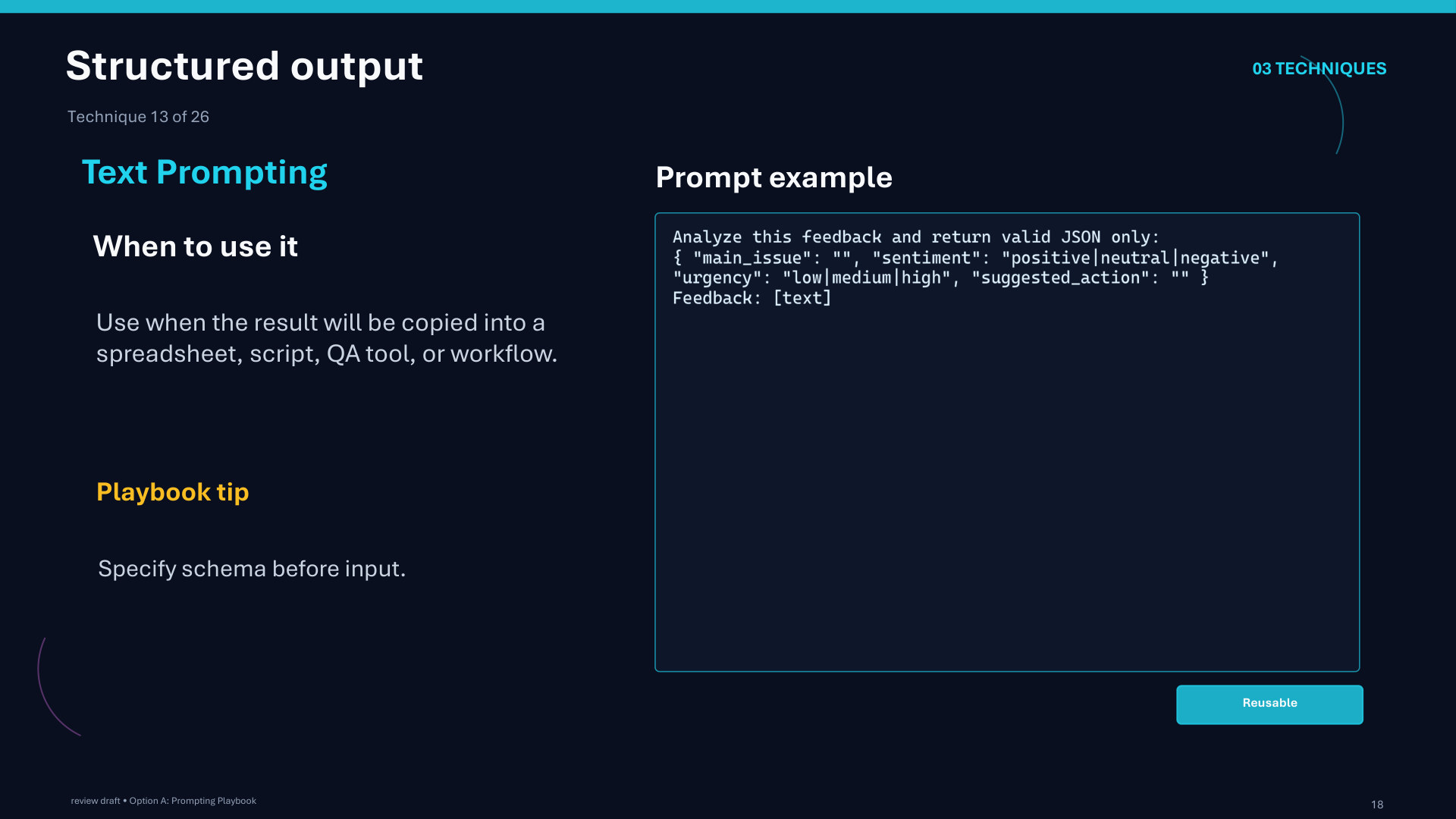
Page 18: Structured output
Page 19 of 51
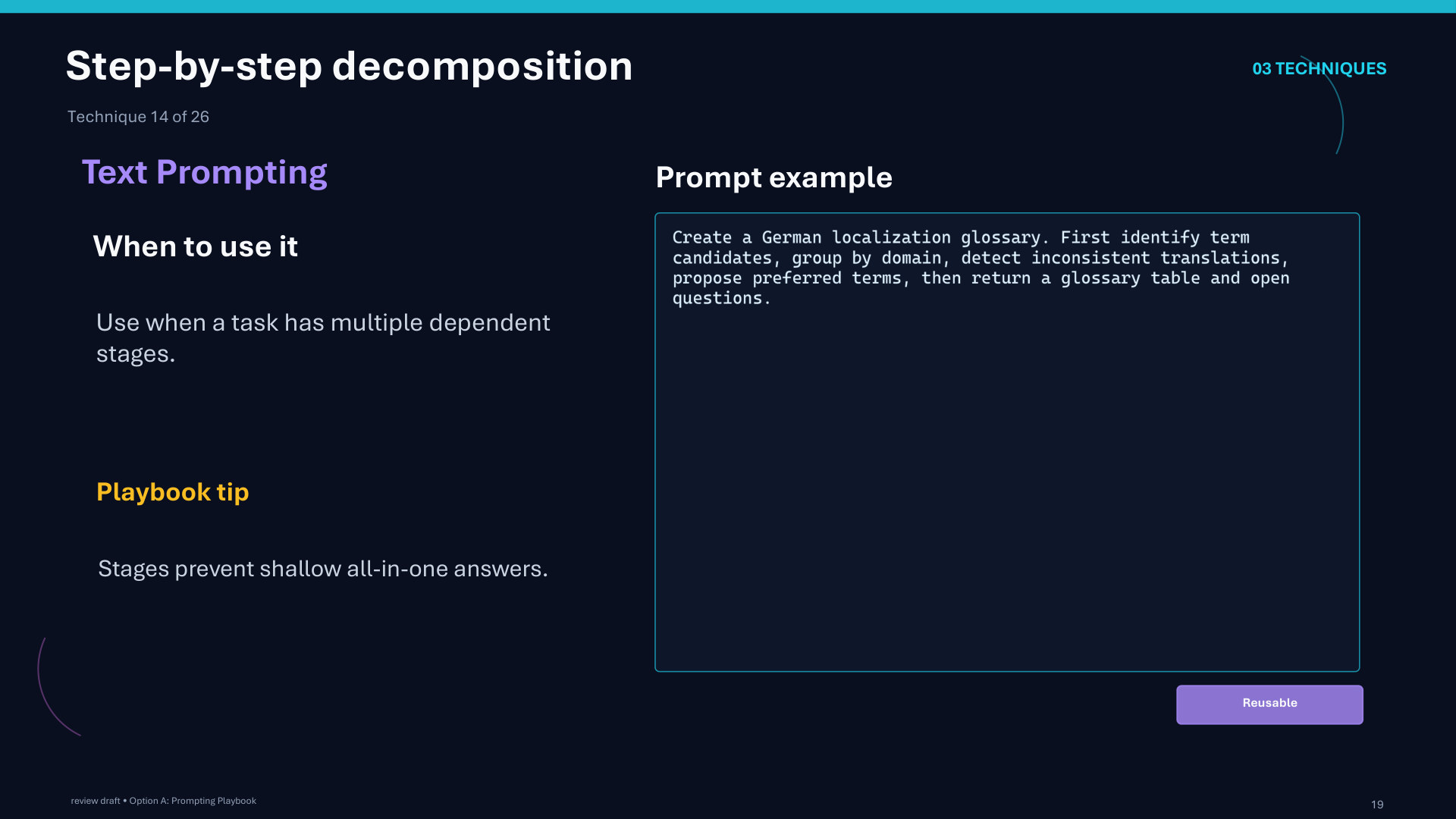
Page 19: Step-by-step decomposition
Page 20 of 51
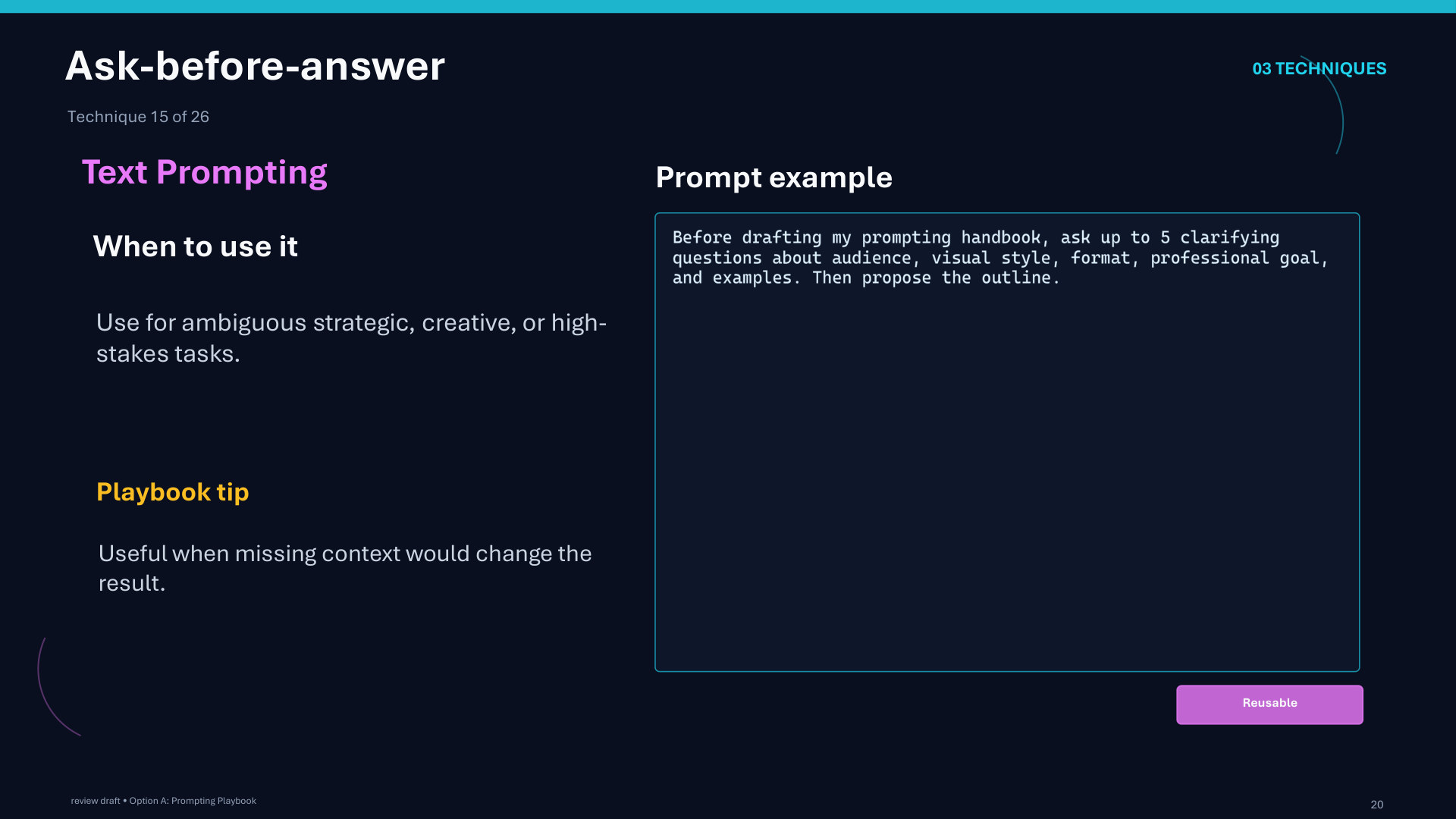
Page 20: Ask-before-answer
Page 21 of 51
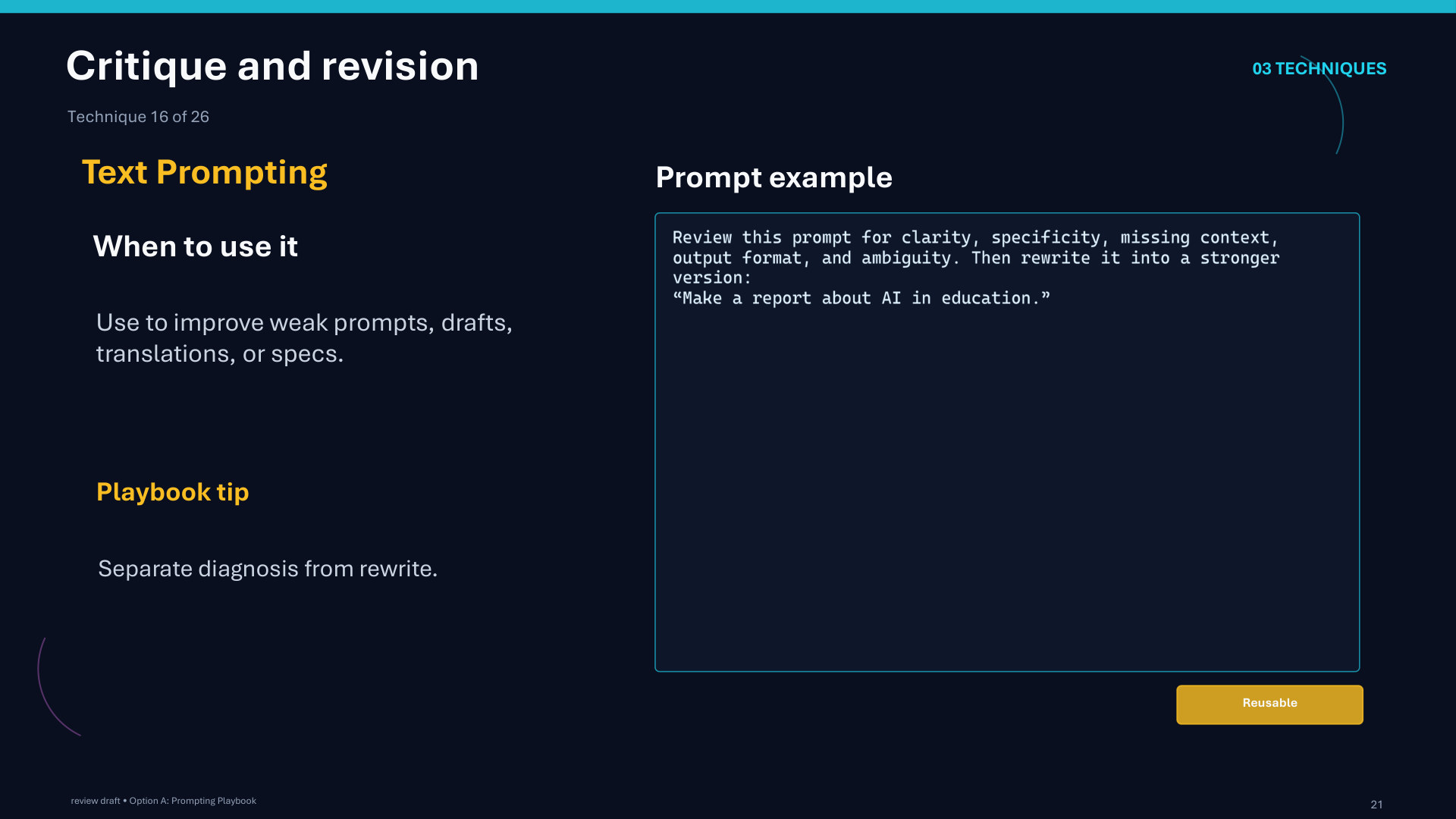
Page 21: Critique and revision
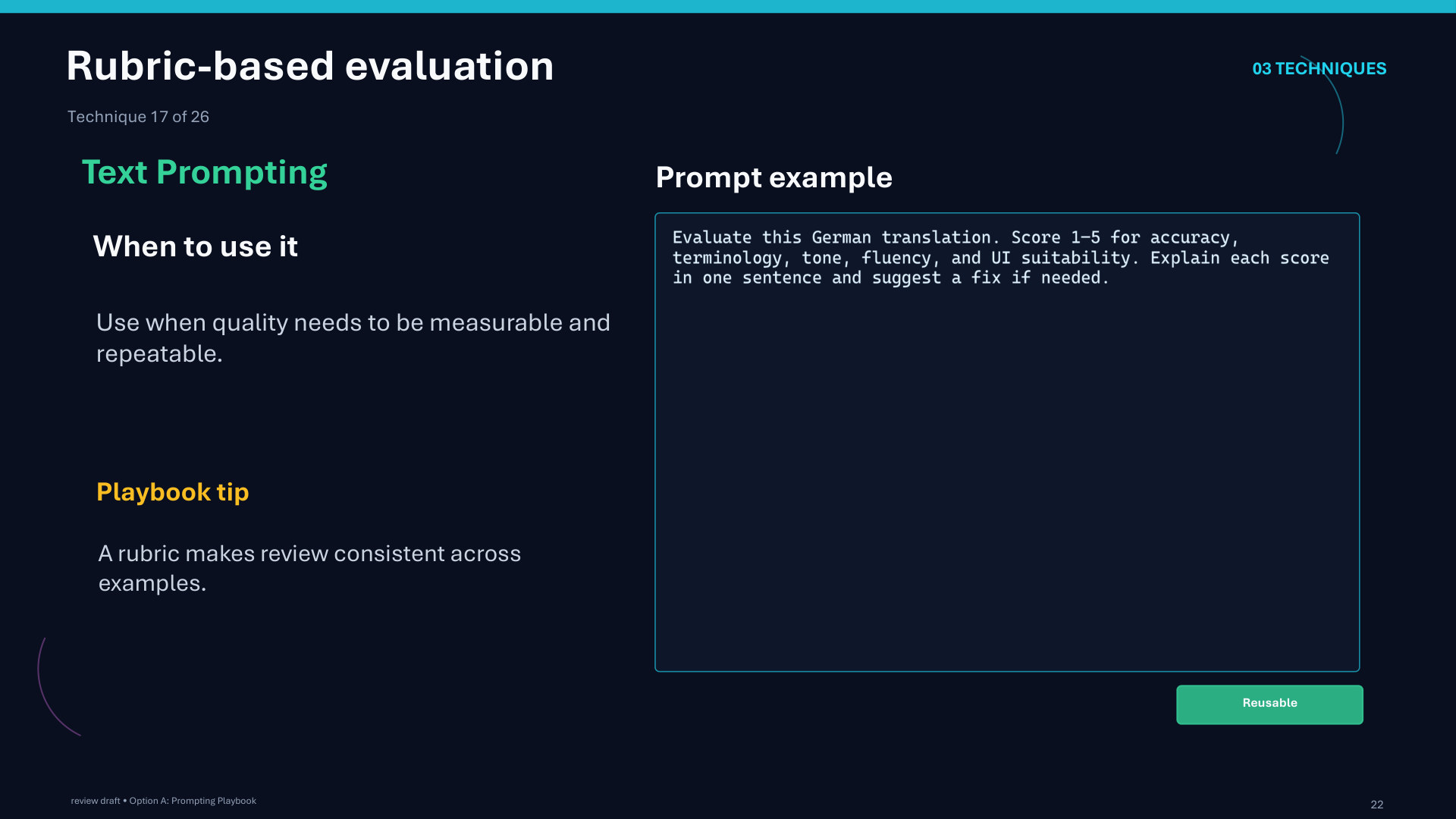
Page 22 of 51
Page 22: Rubric-based evaluation
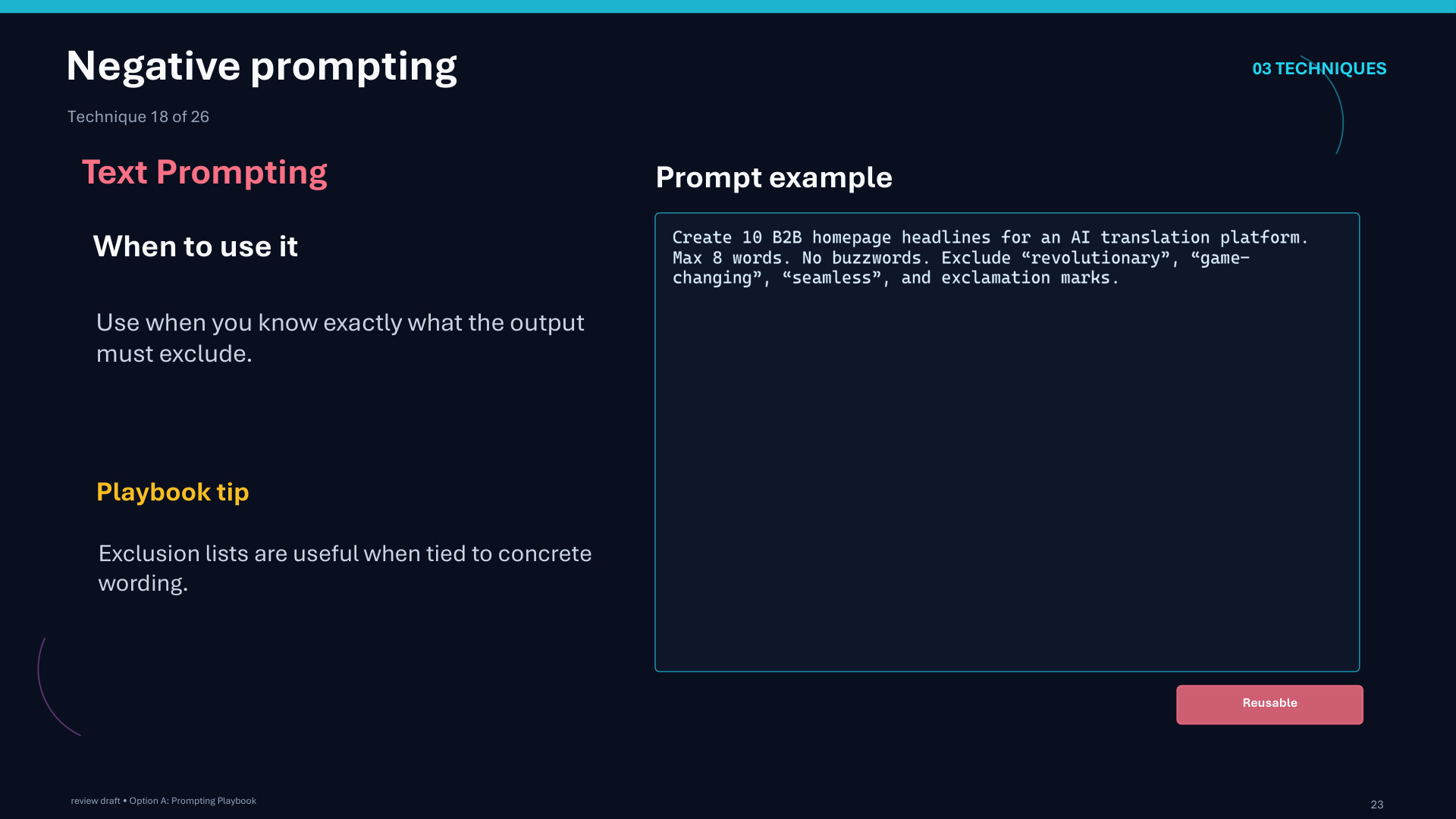
Page 23 of 51
Page 23: Negative prompting
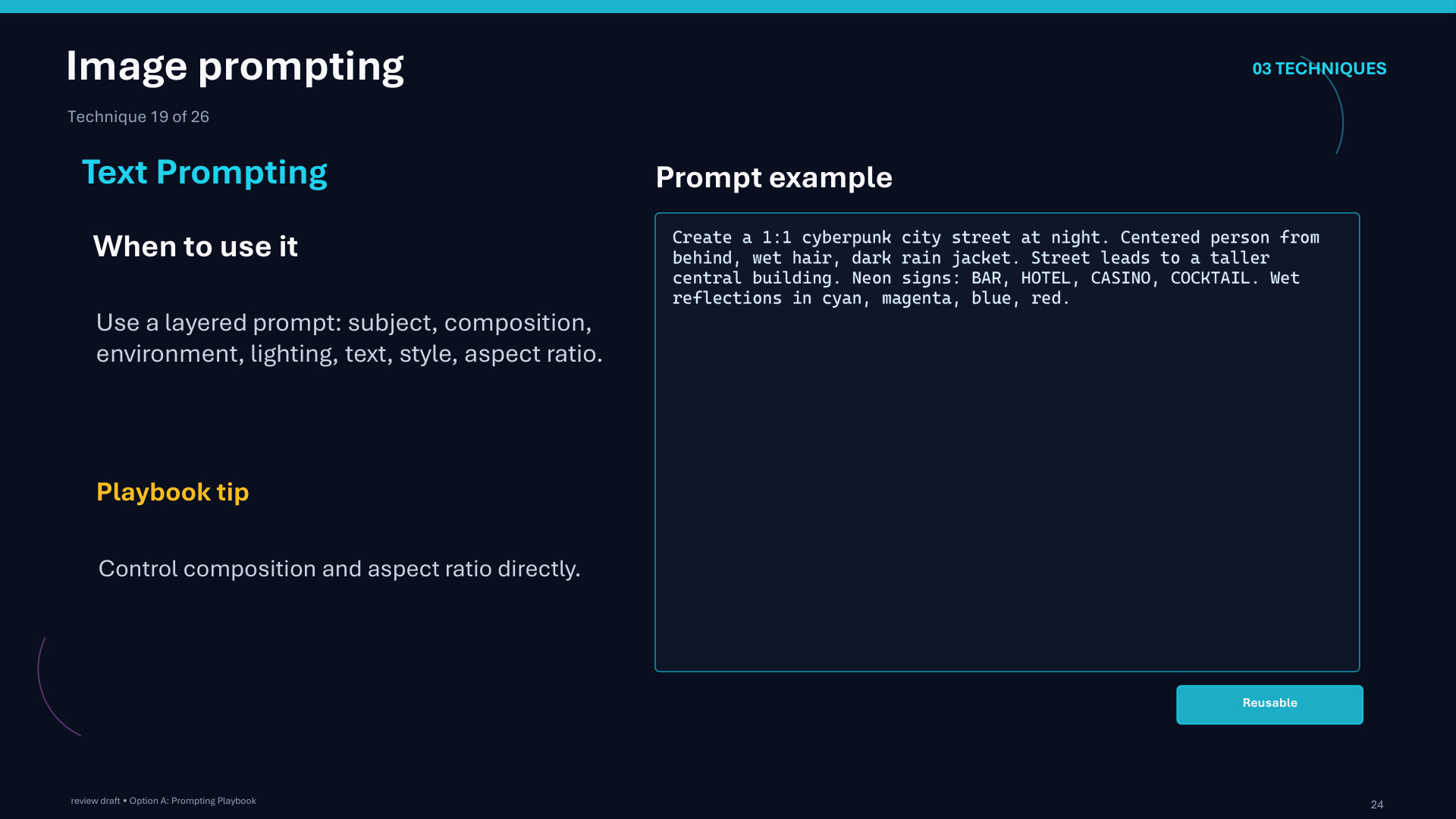
Page 24 of 51
Page 24: Image prompting
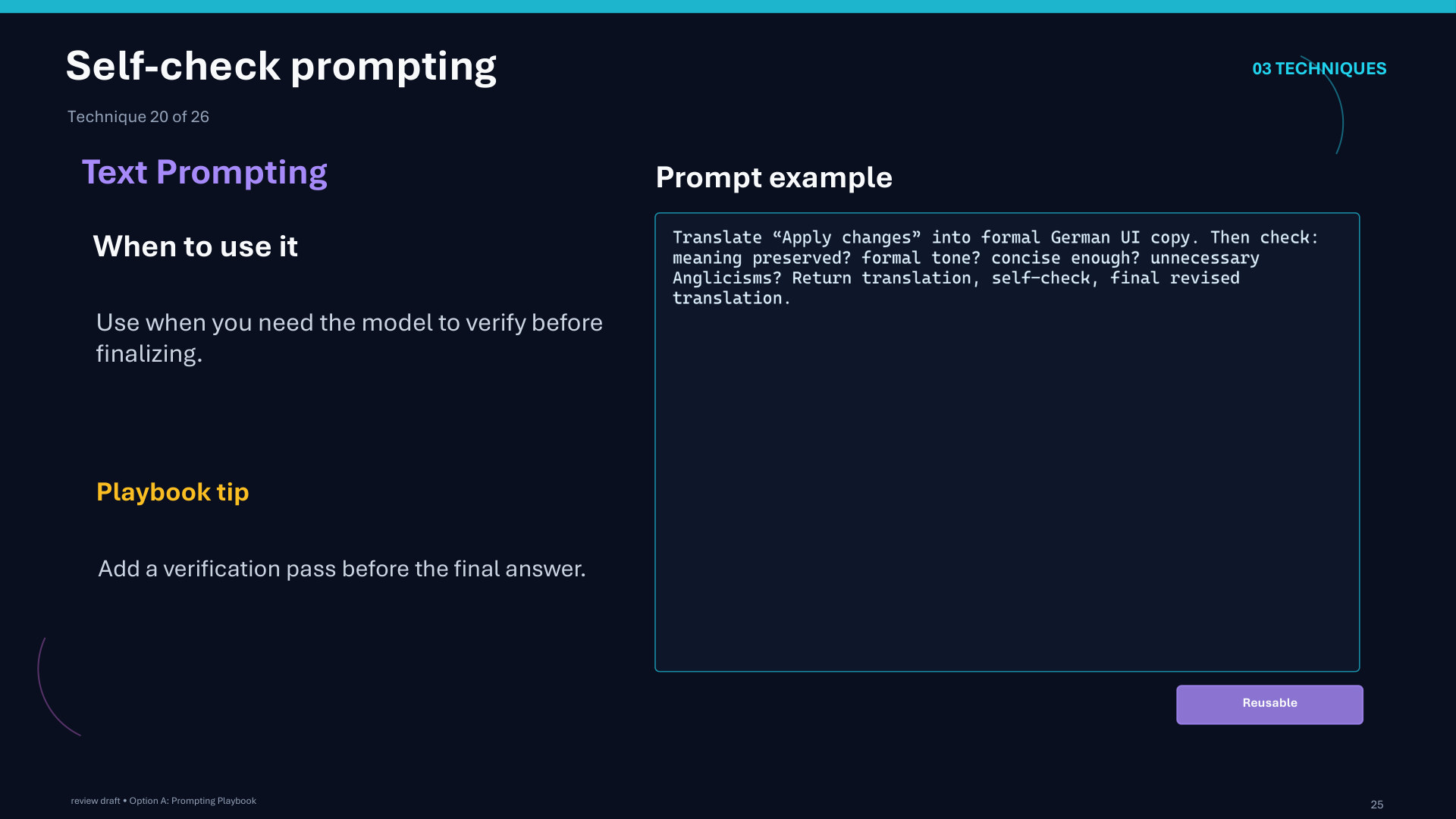
Page 25 of 51
Page 25: Self-check prompting
Page 26 of 51
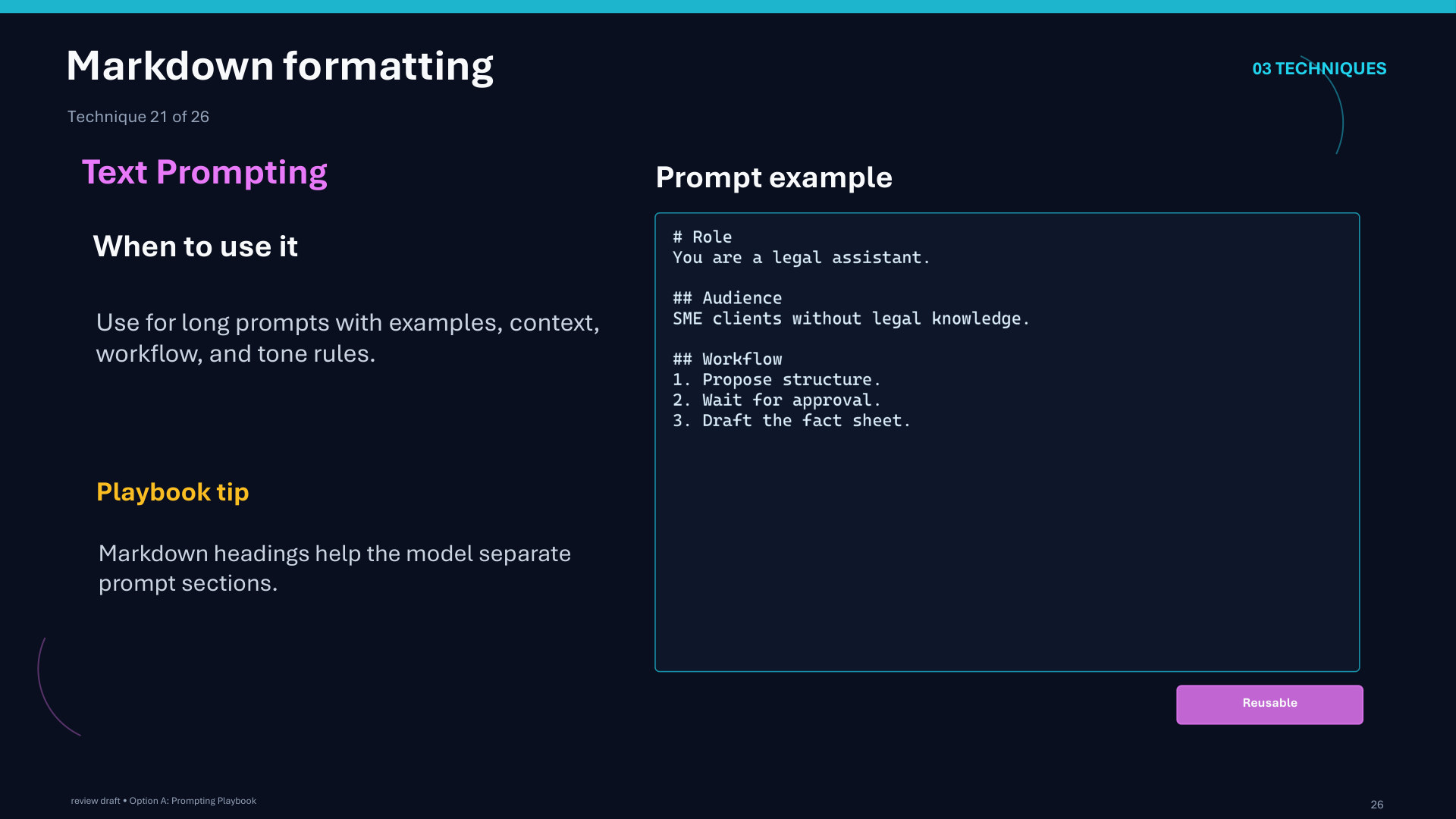
Page 26: Markdown formatting
Page 27 of 51
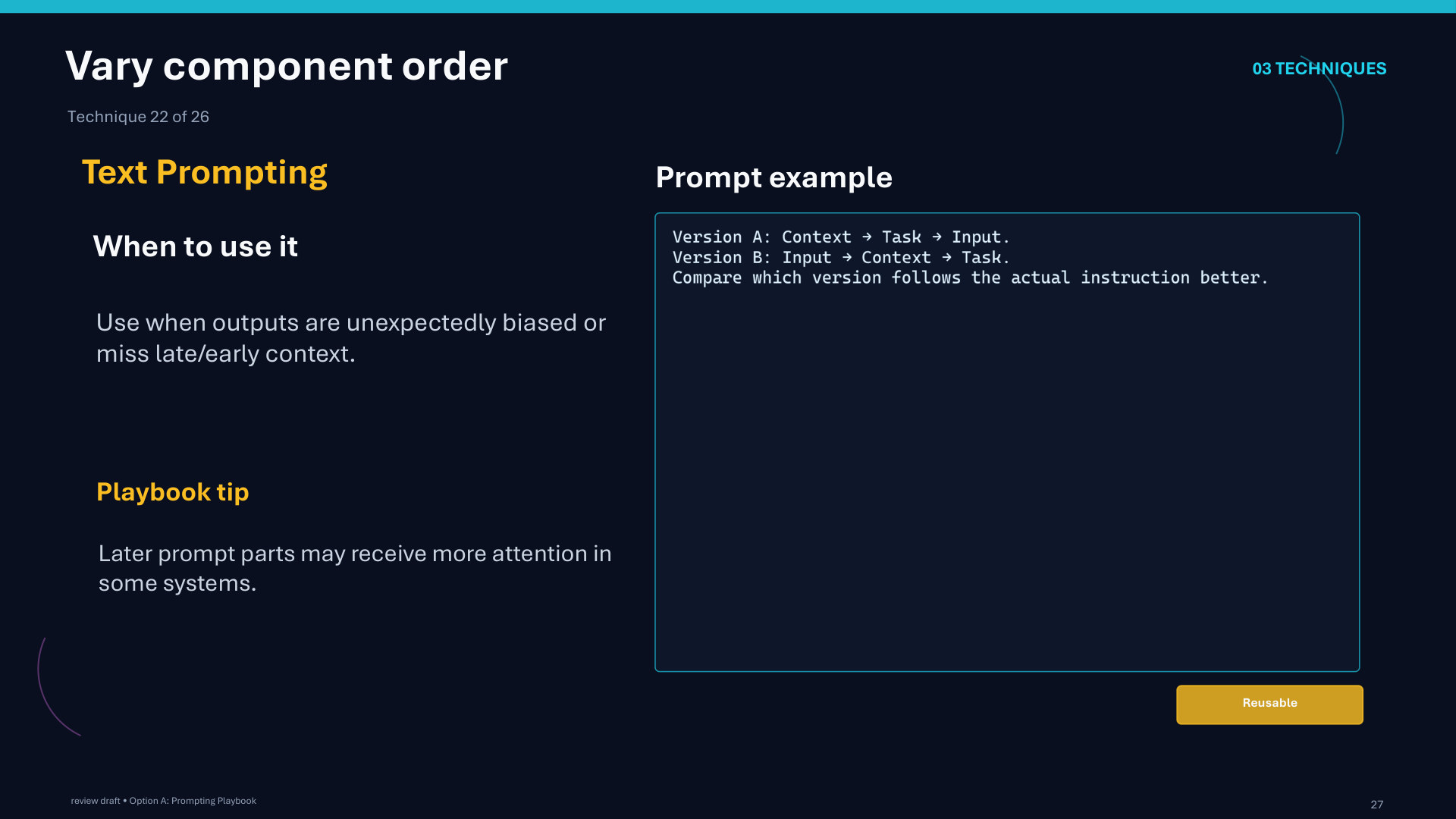
Page 27: Vary component order
Page 28 of 51
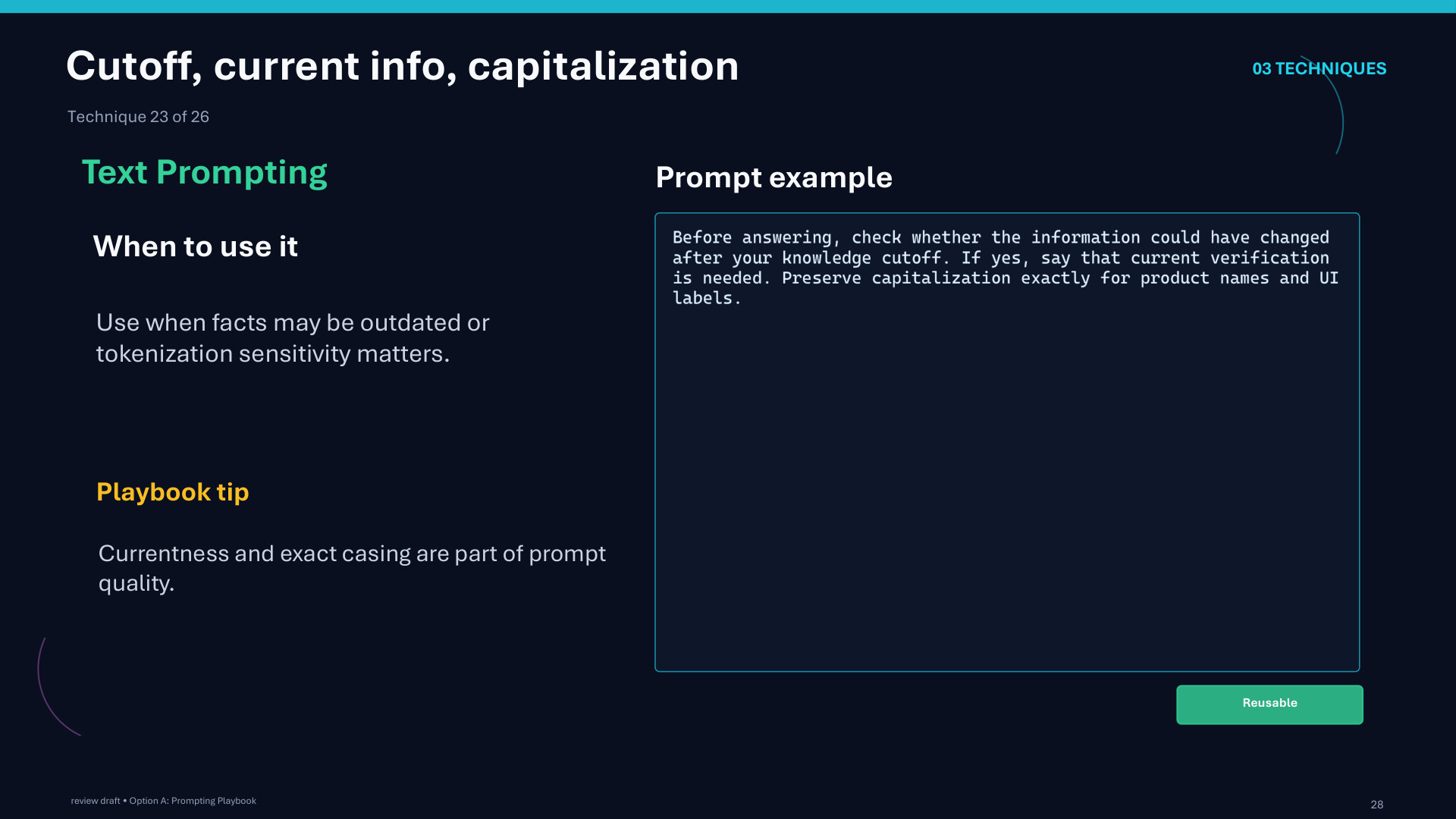
Page 28: Cutoff, current info, capitalization
Page 29 of 51
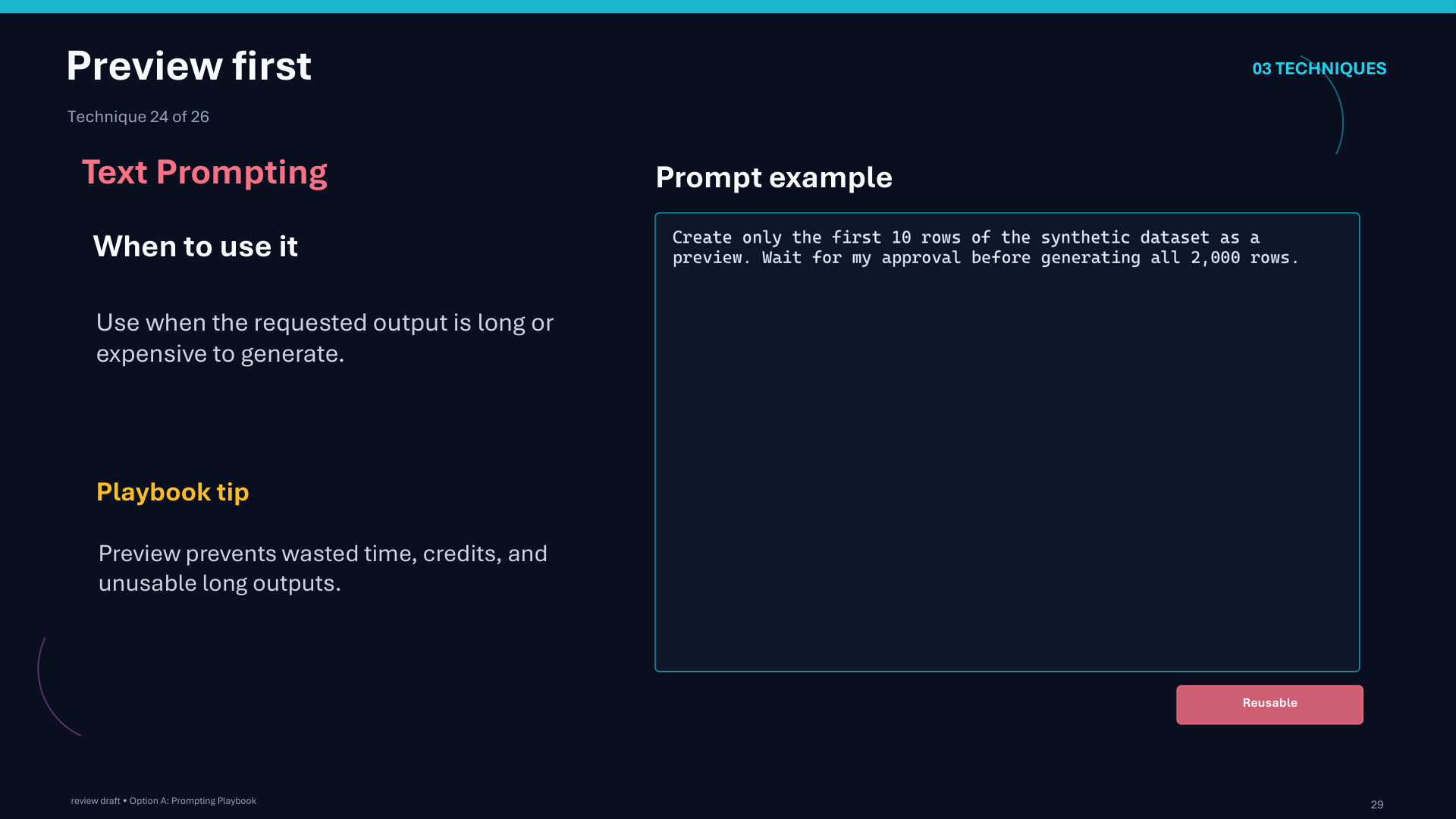
Page 29: Preview first
Page 30 of 51
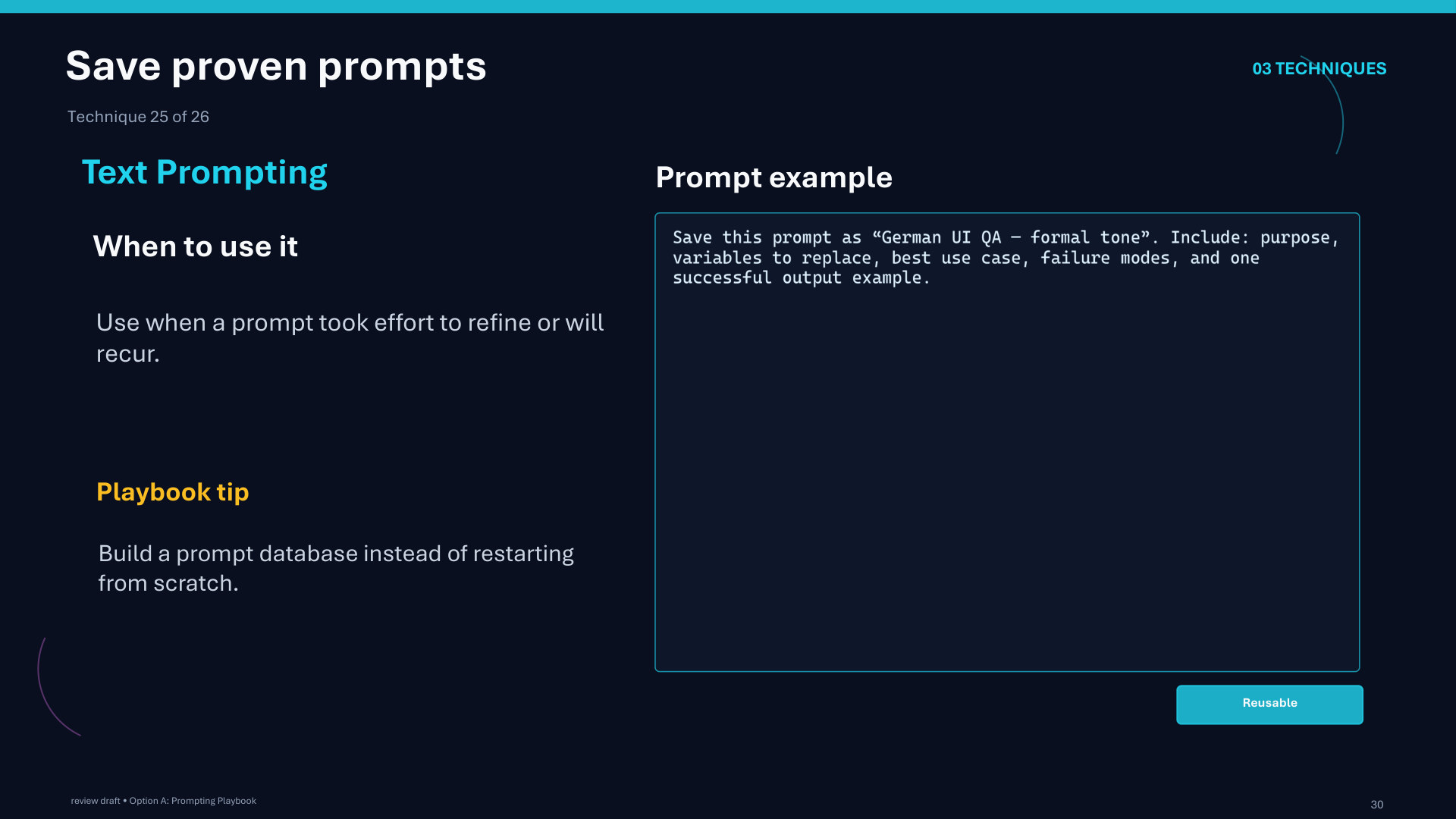
Page 30: Save proven prompts
Page 31 of 51
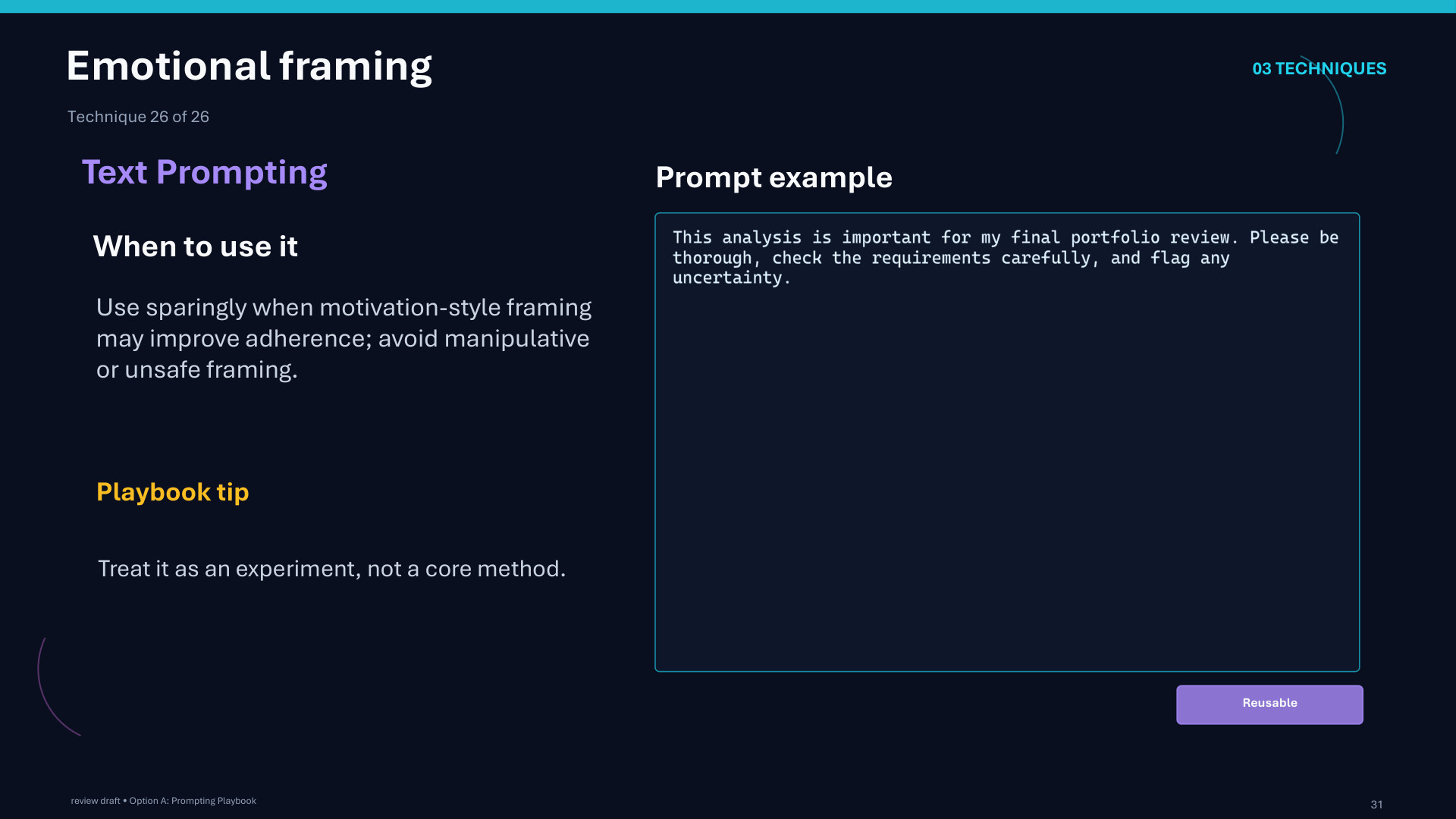
Page 31: Emotional framing
Page 32 of 51
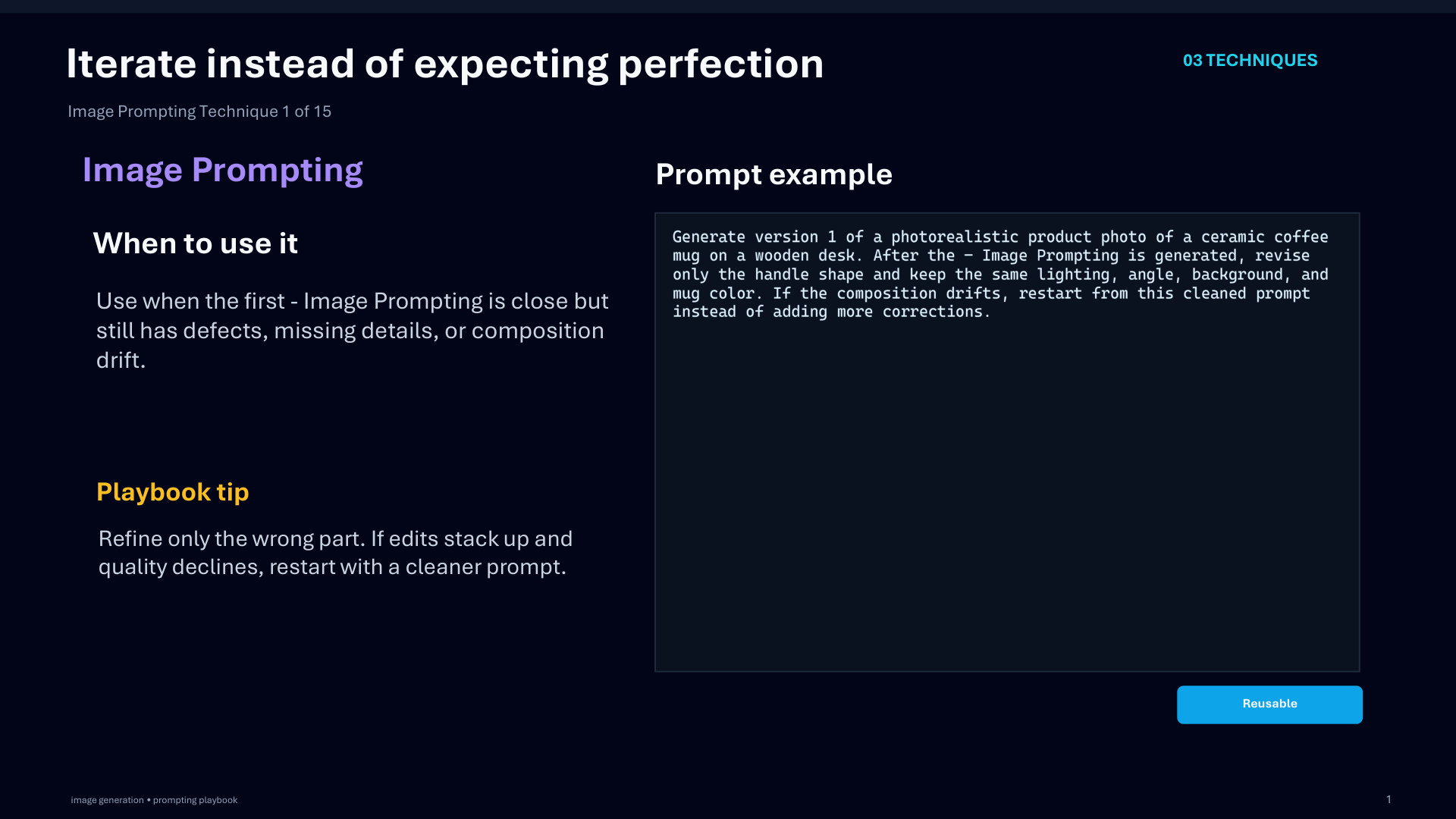
Page 32: Iterate instead of expecting perfection
Page 33 of 51
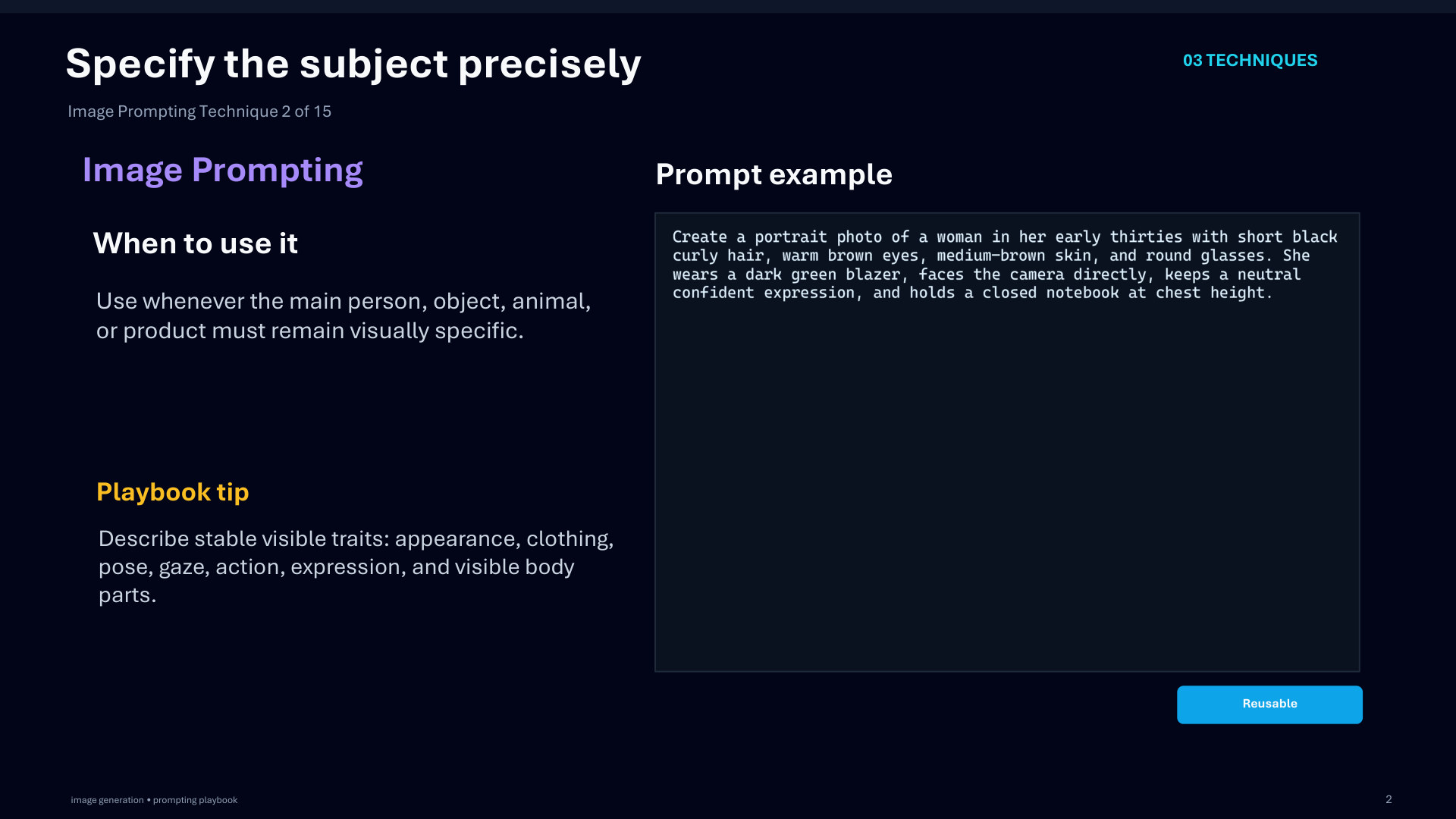
Page 33: Specify the subject precisely
Page 34 of 51
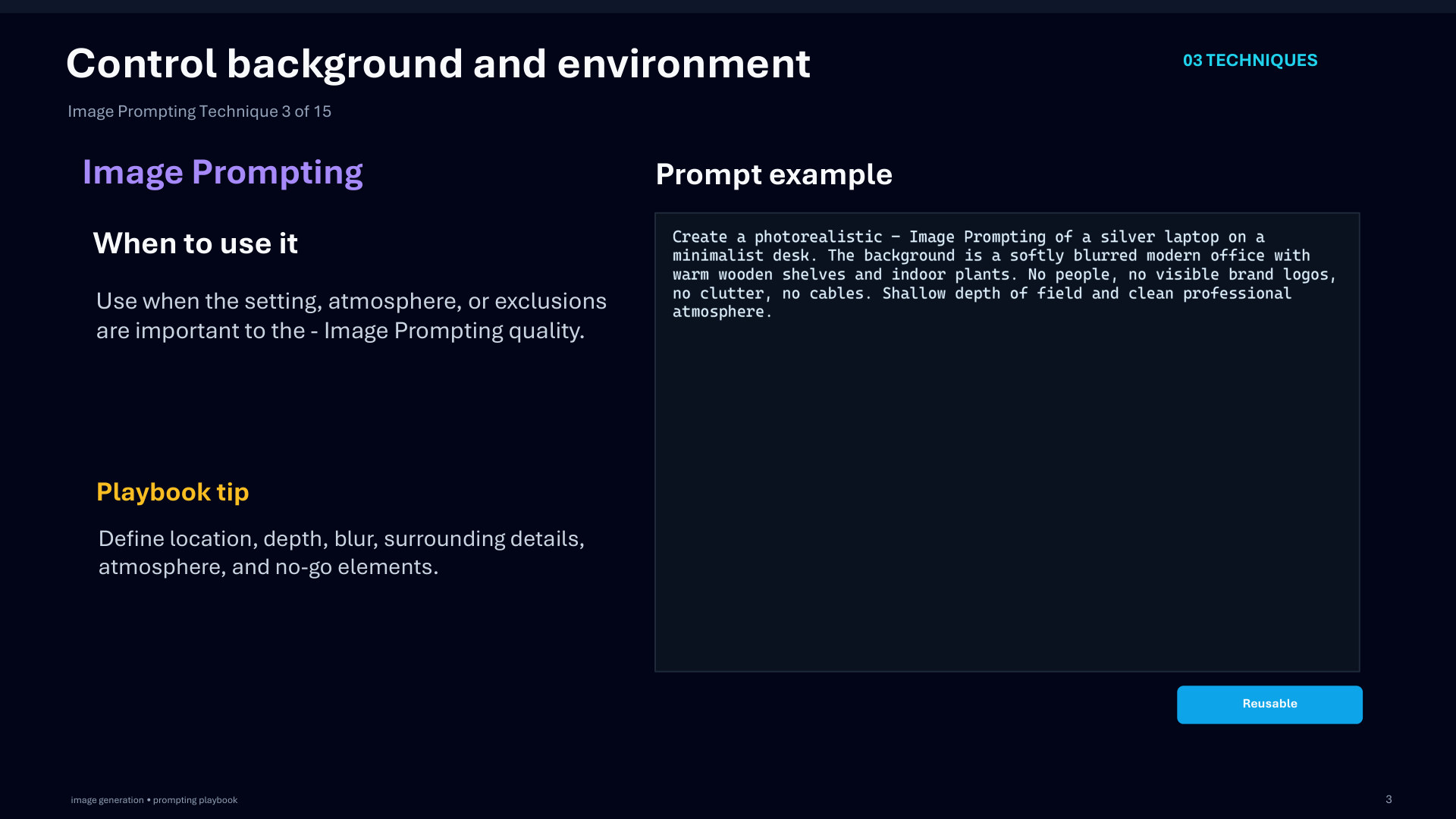
Page 34: Control background and environment
Page 35 of 51
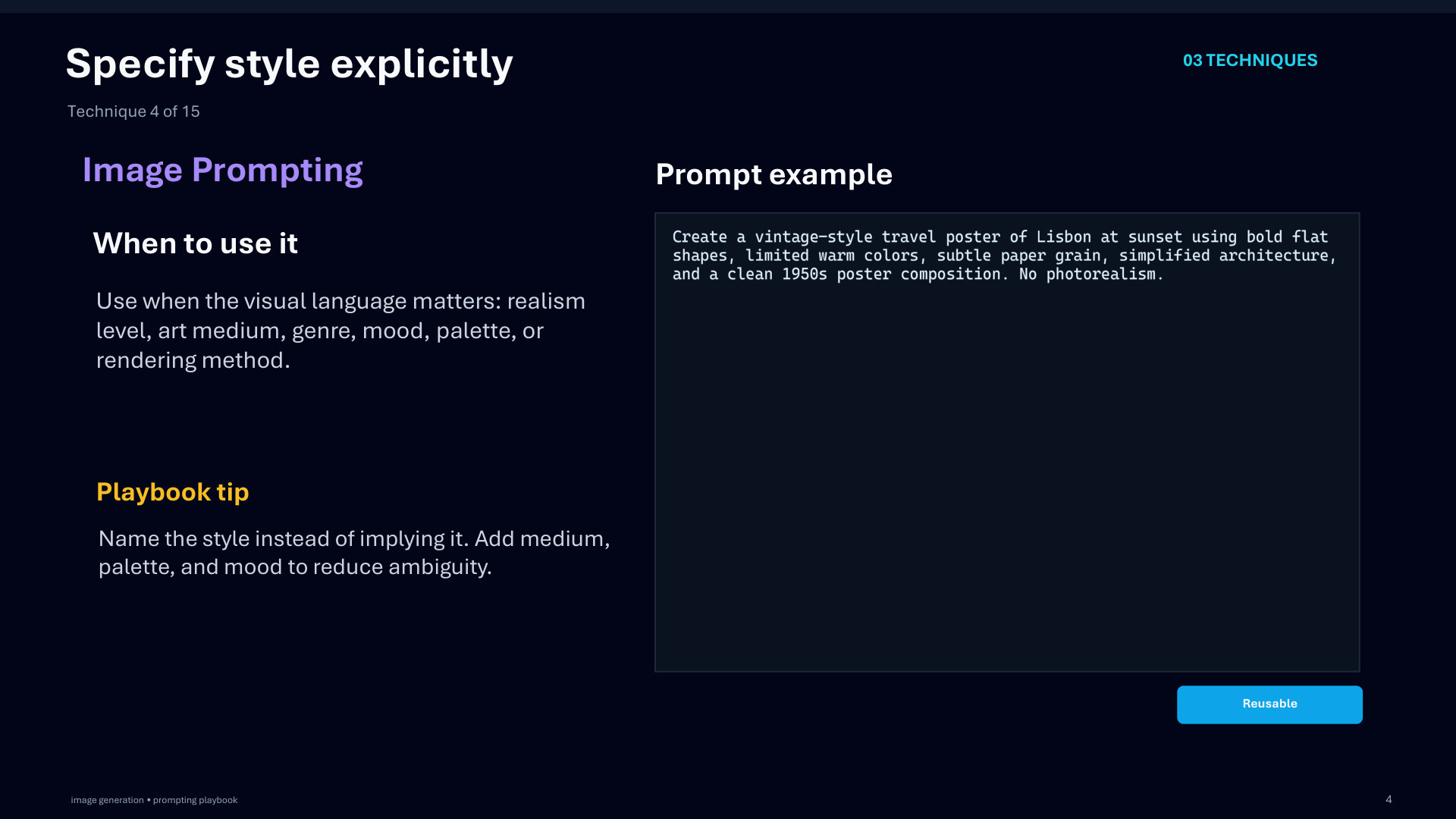
Page 35: Specify style explicitly
Page 36 of 51
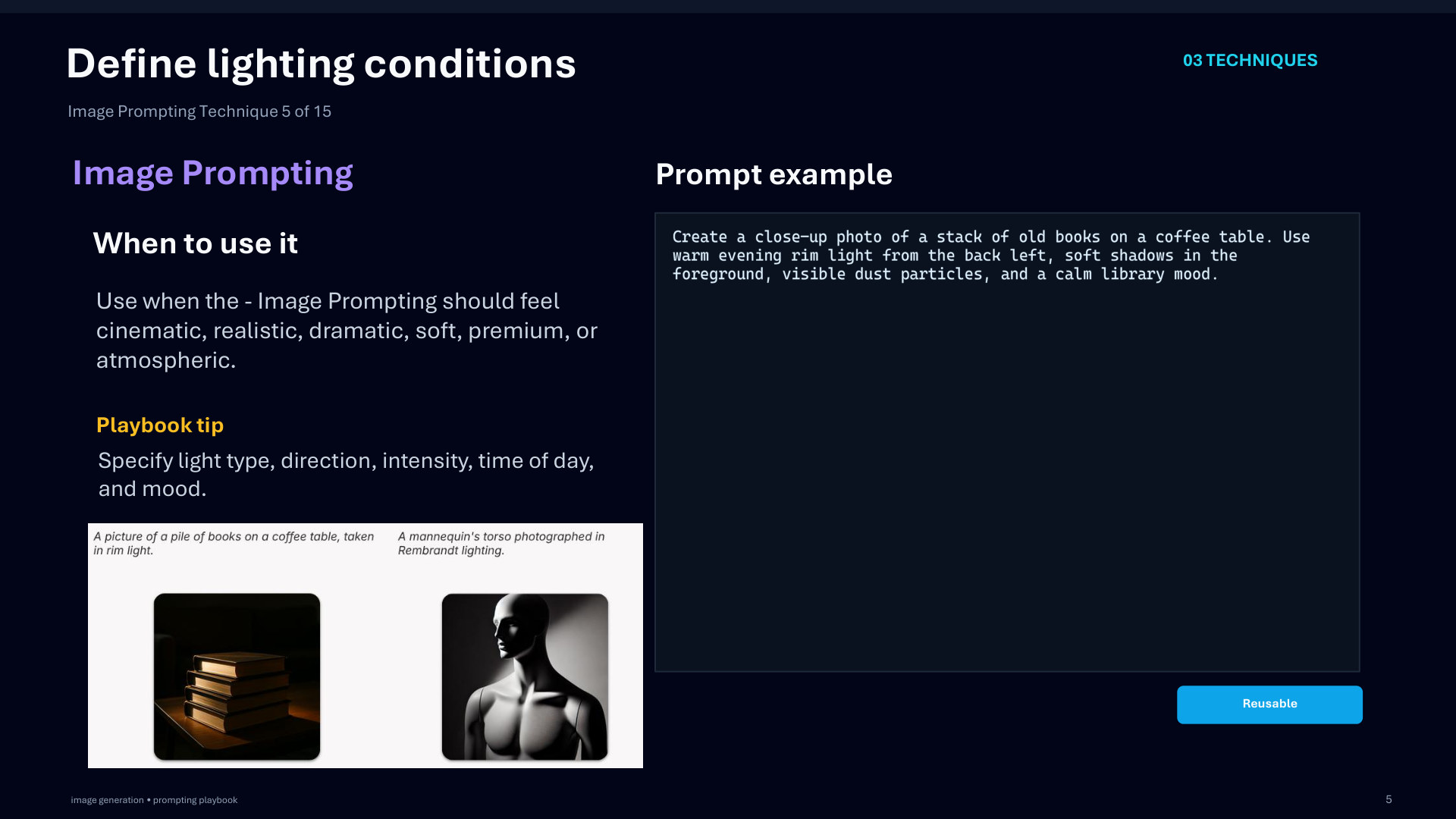
Page 36: Define lighting conditions
Page 37 of 51
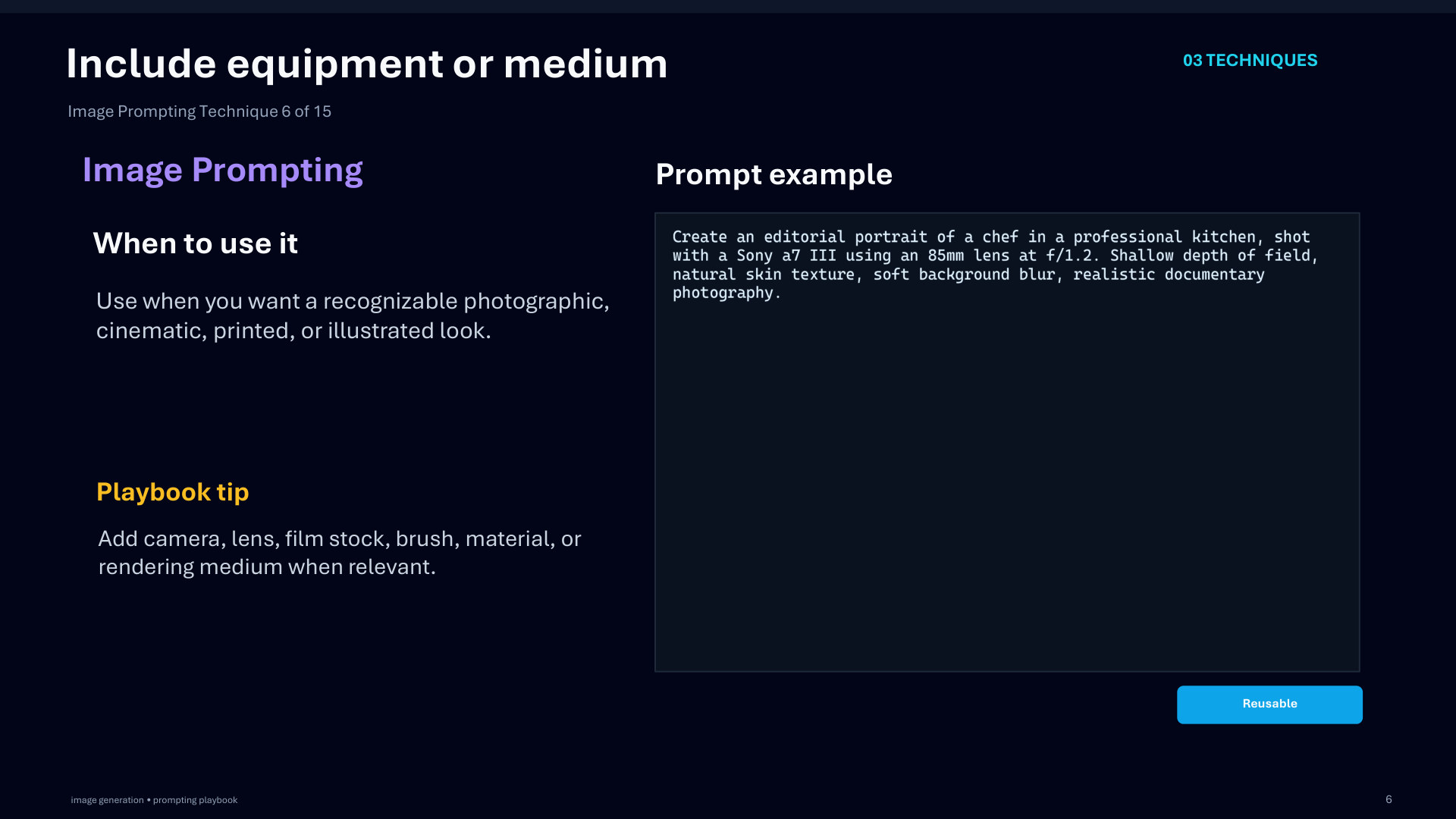
Page 37: Include equipment or medium
Page 38 of 51
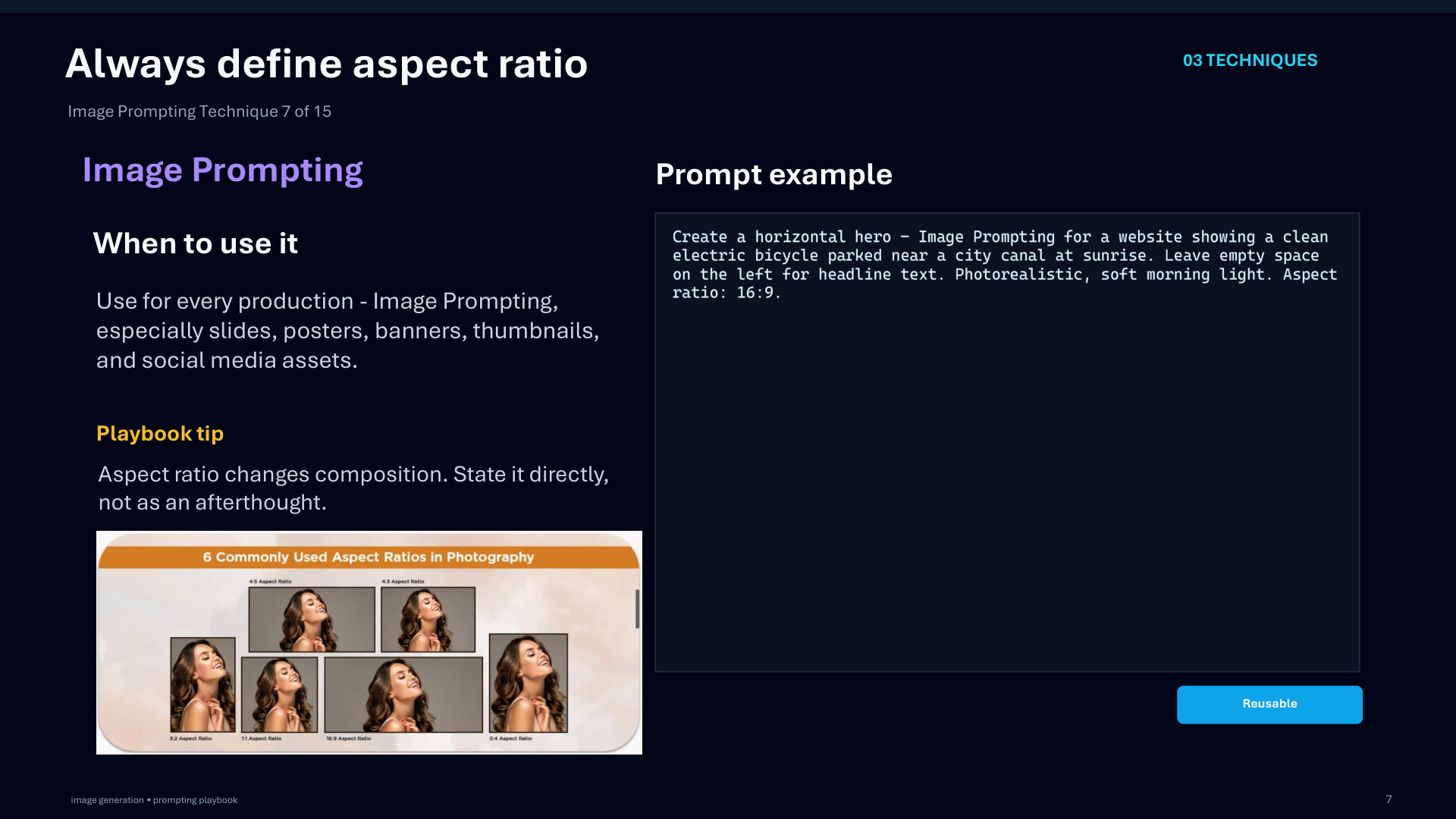
Page 38: Always define aspect ratio
Page 39 of 51
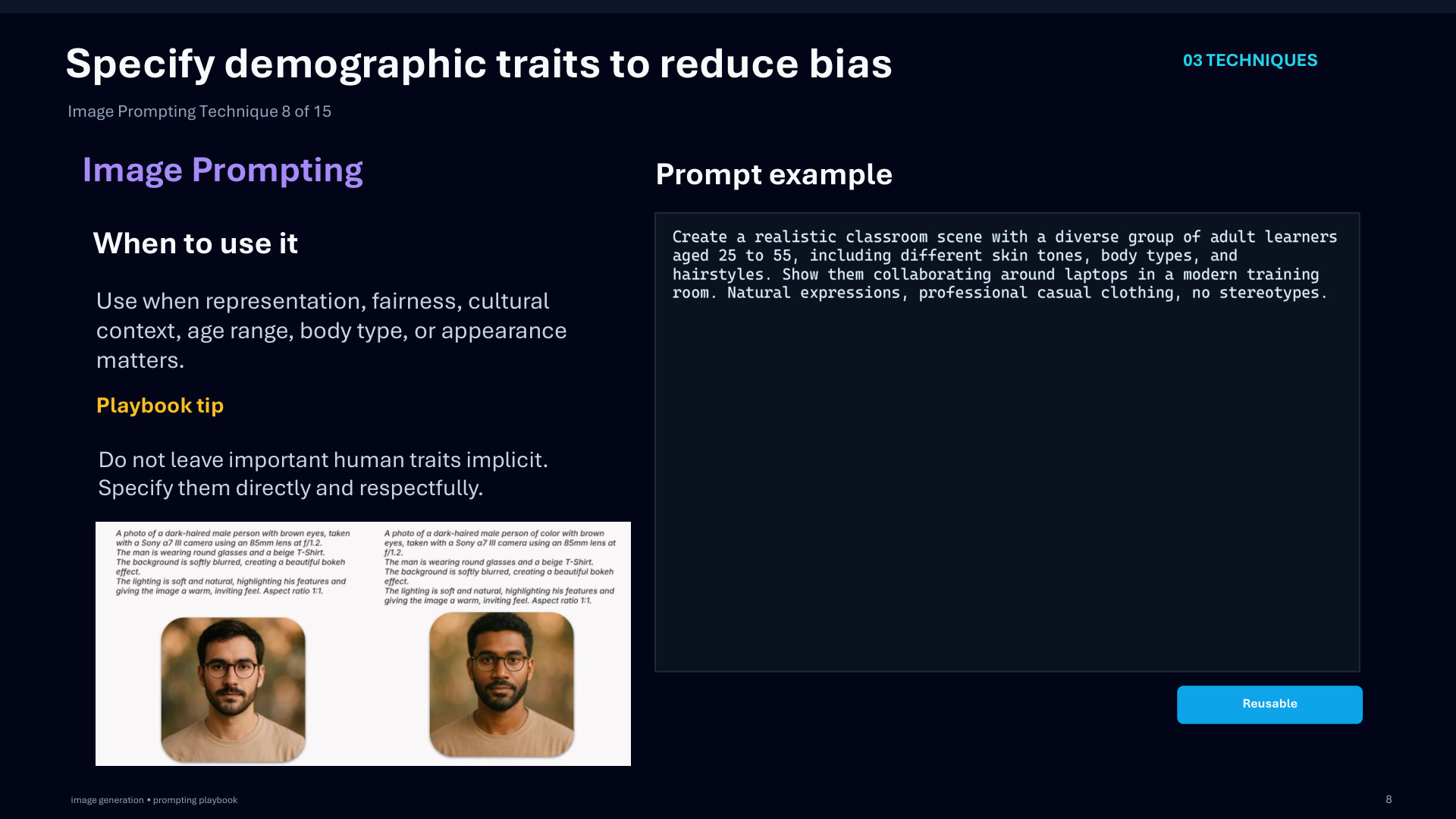
Page 39: Specify demographic traits to reduce bias
Page 40 of 51
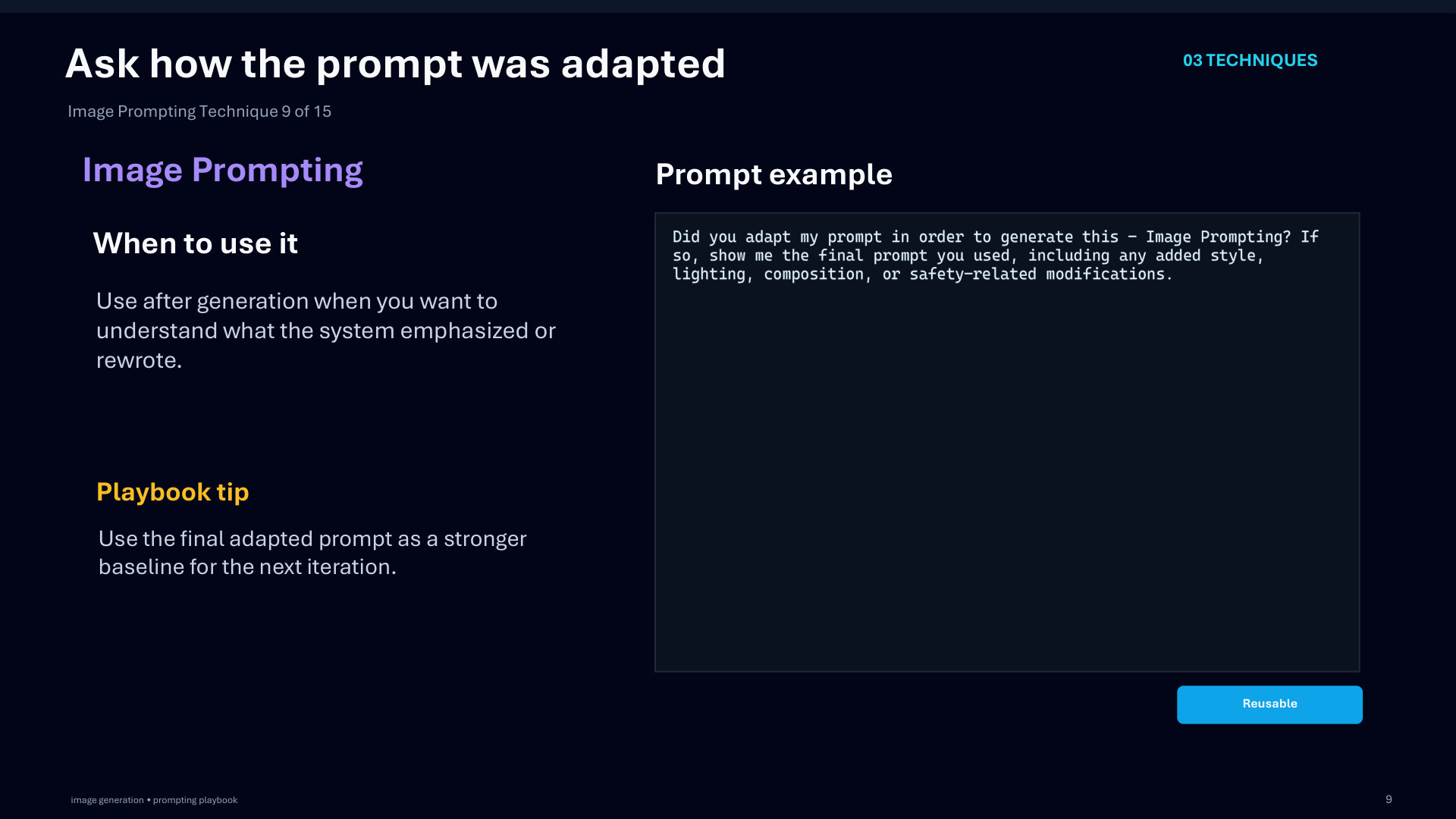
Page 40: Ask how the prompt was adapted
Page 41 of 51
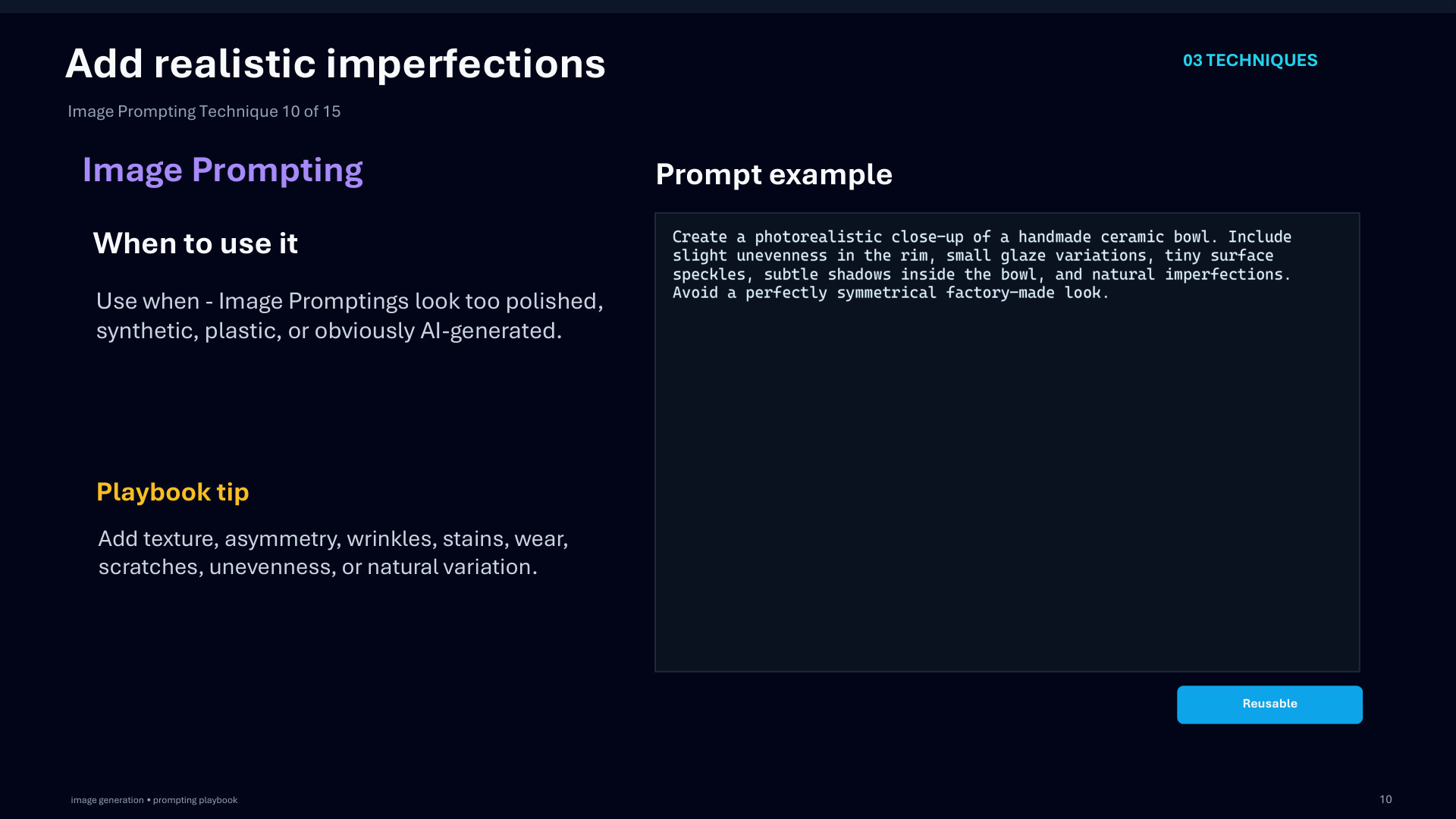
Page 41: Add realistic imperfections
Page 42 of 51
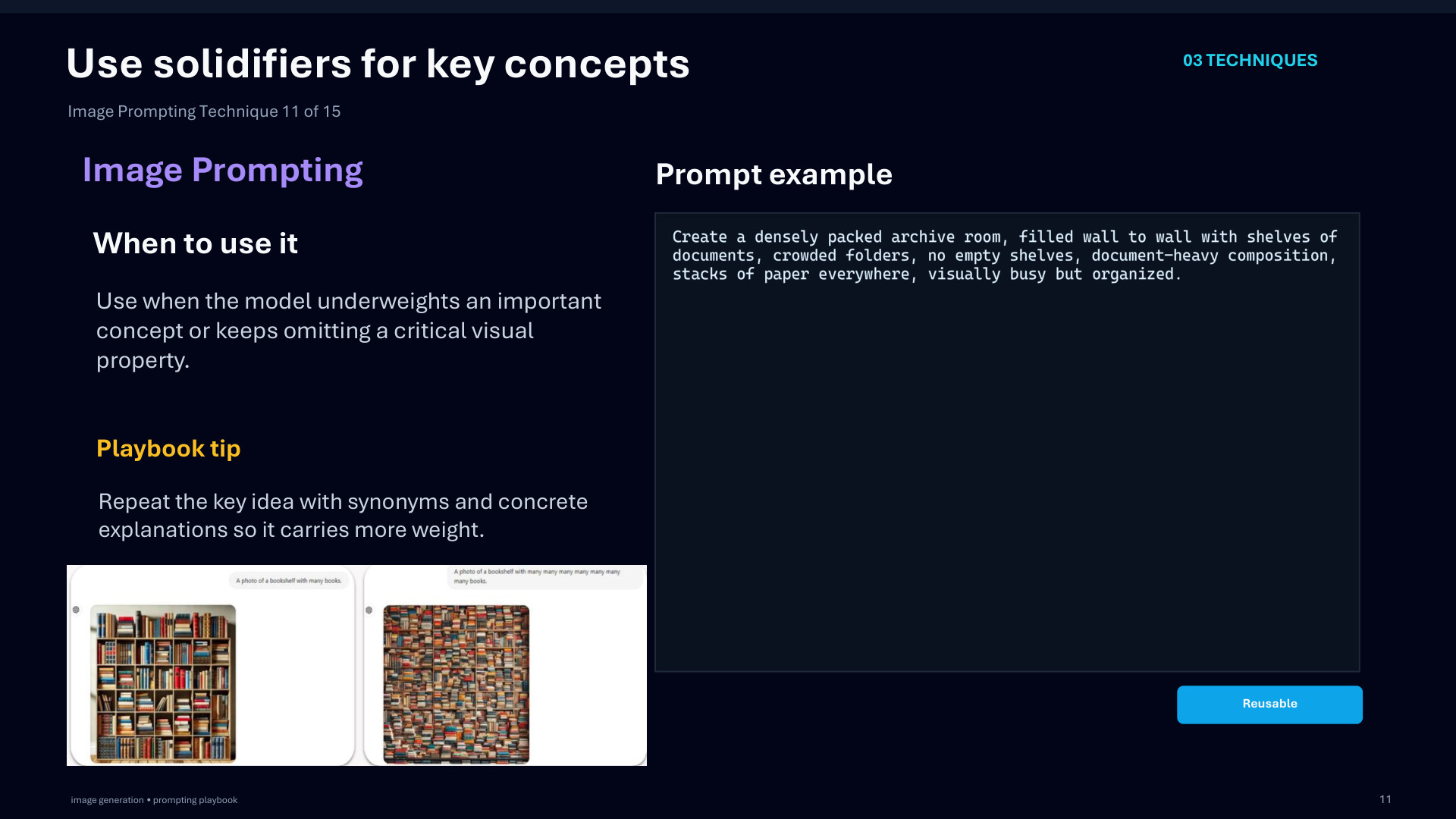
Page 42: Use solidifiers for key concepts
Page 43 of 51
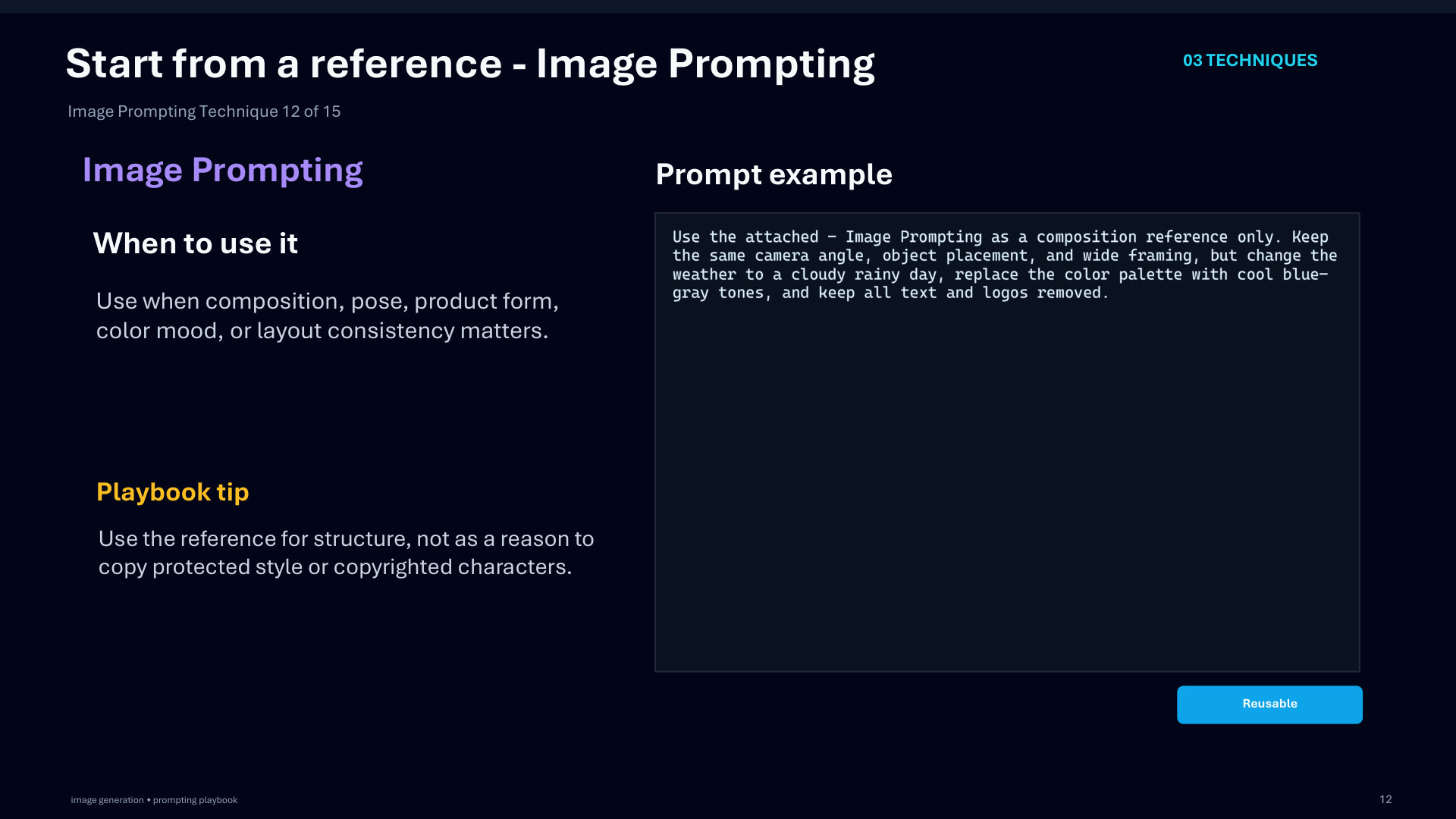
Page 43: Start from a reference - Image Prompting
Page 44 of 51
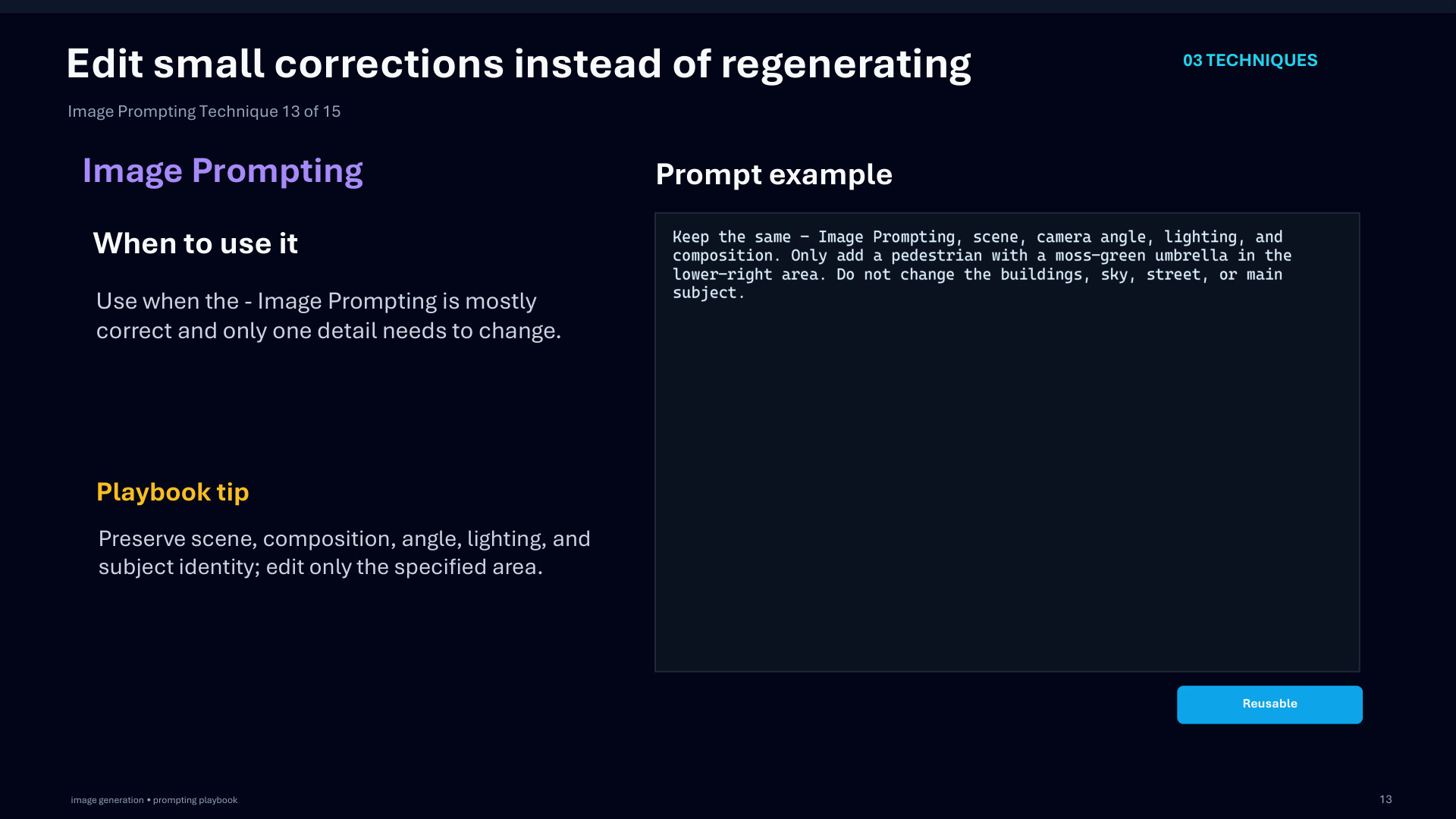
Page 44: Edit small corrections instead of regenerating
Page 45 of 51
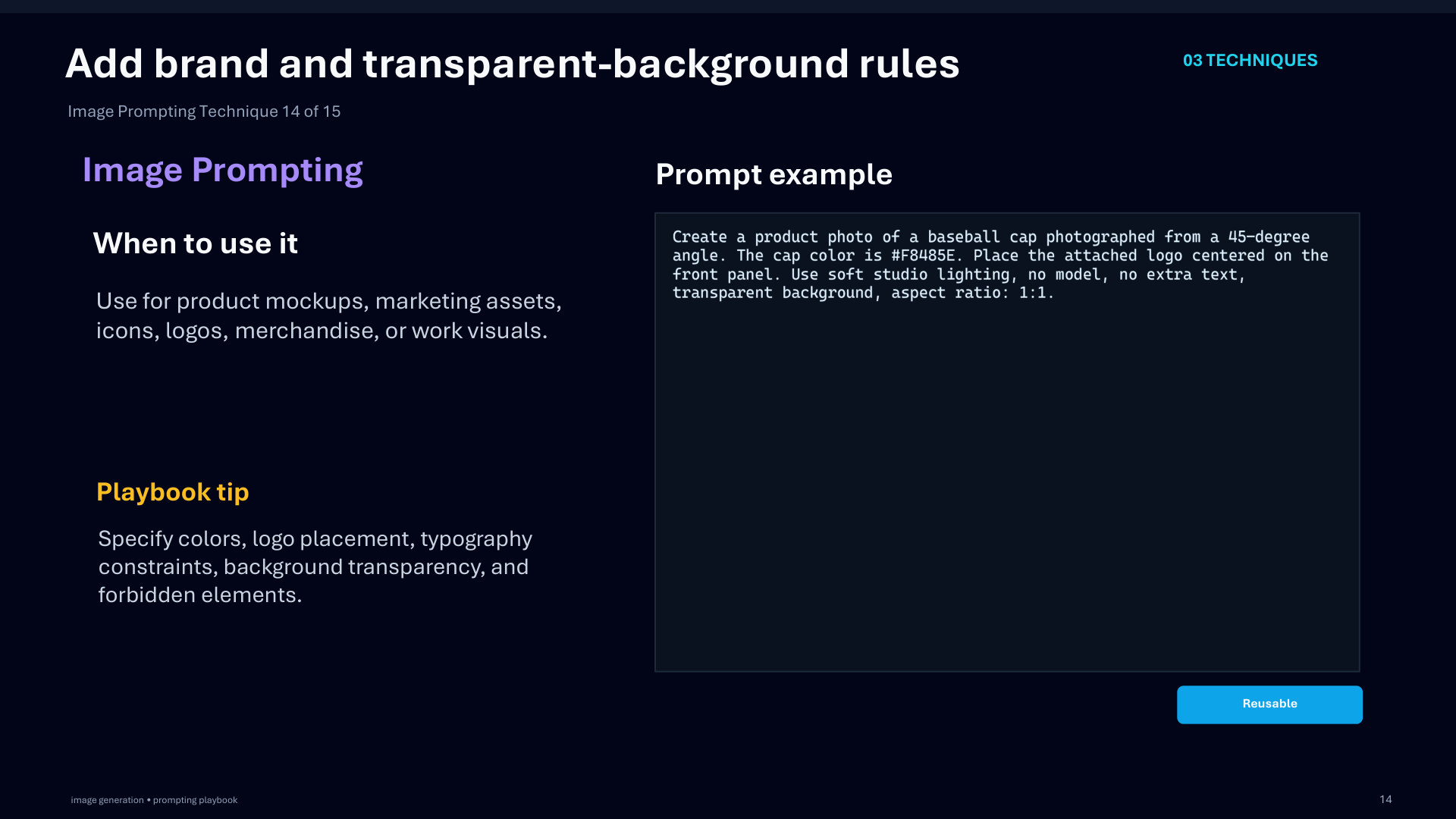
Page 45: Add brand and transparent-background rules
Page 46 of 51
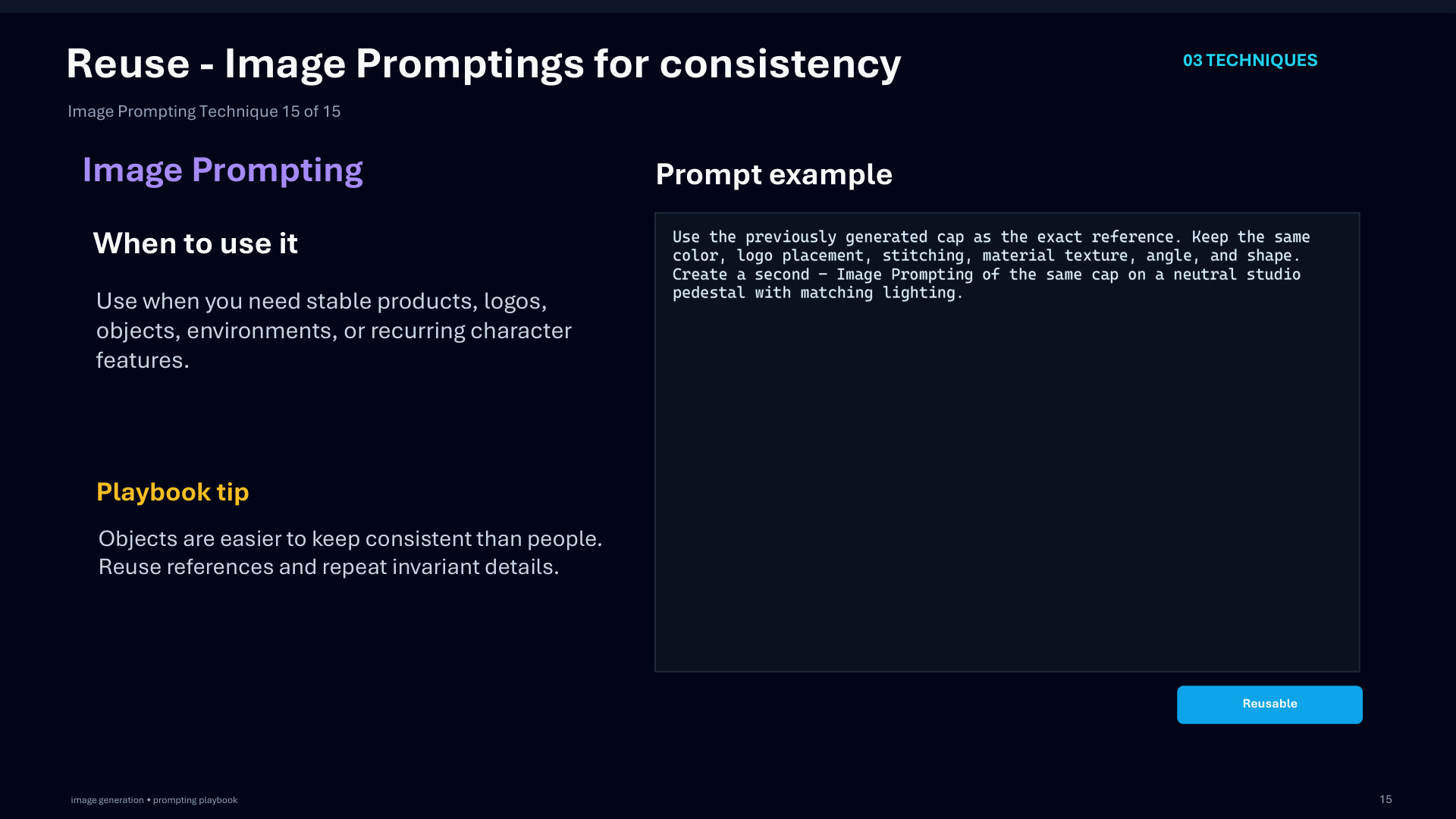
Page 46: Reuse - Image Promptings for consistency
Page 47 of 51
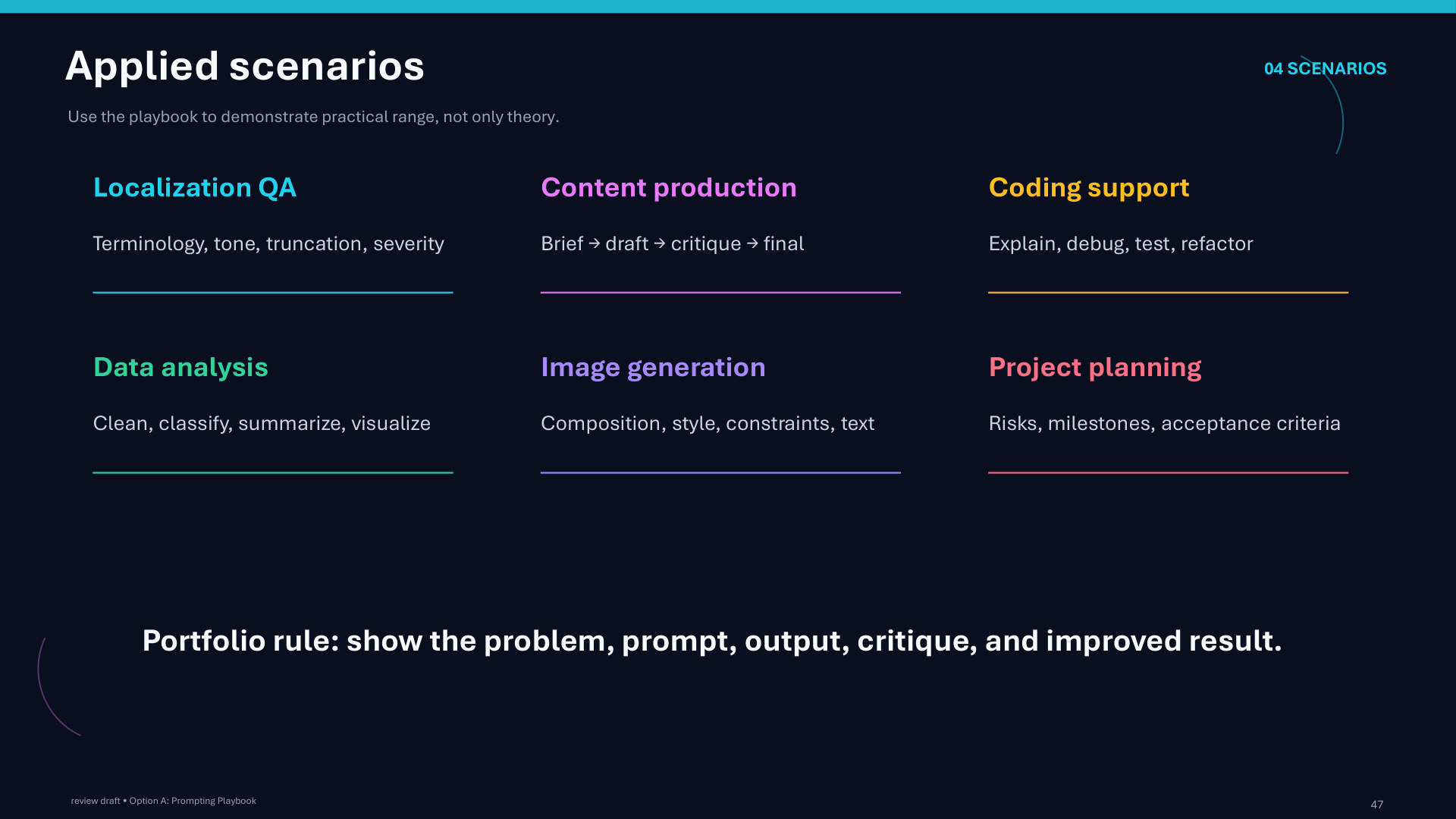
Page 47: Applied scenarios
Page 48 of 51
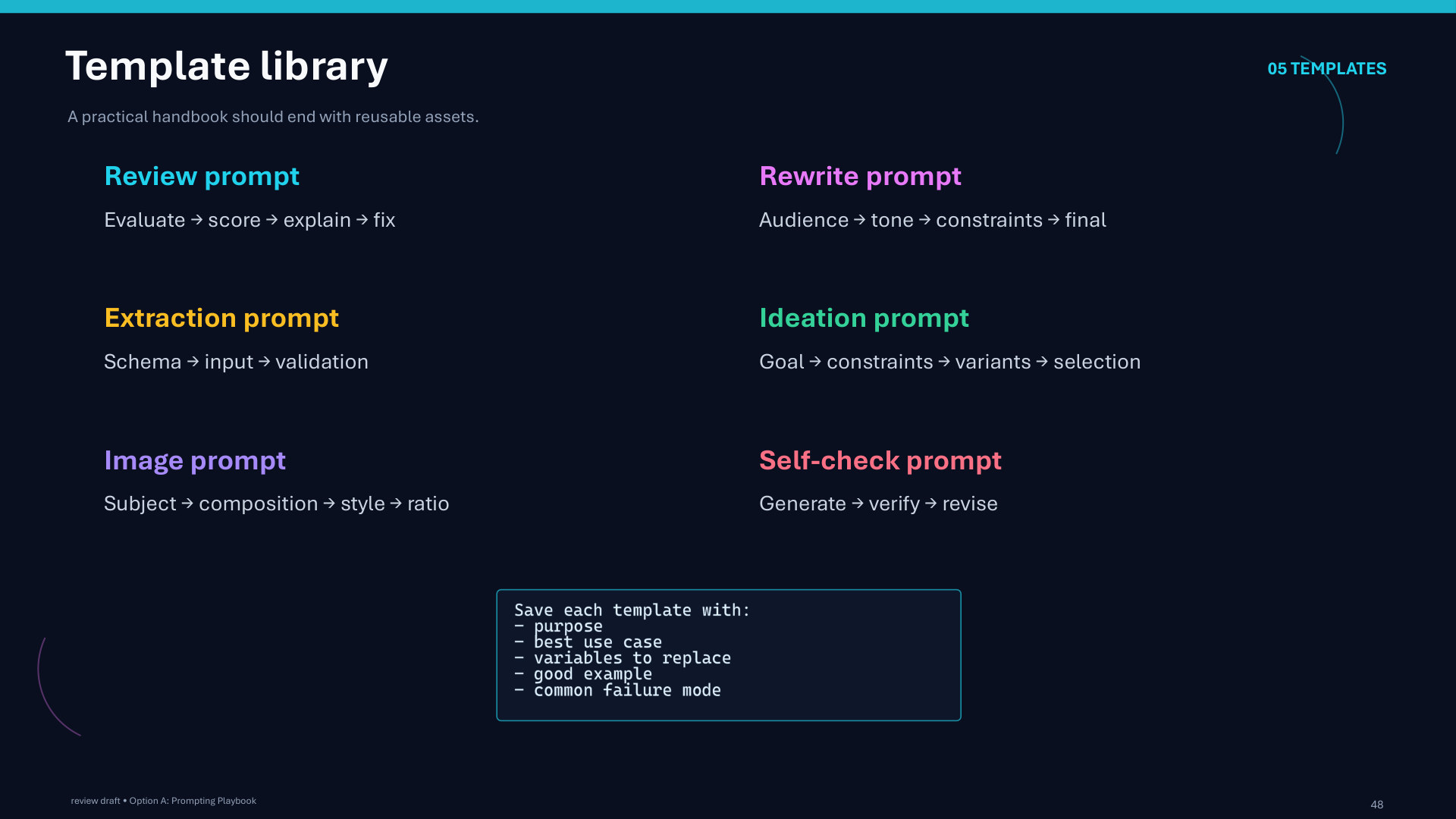
Page 48: Template library
Page 49 of 51
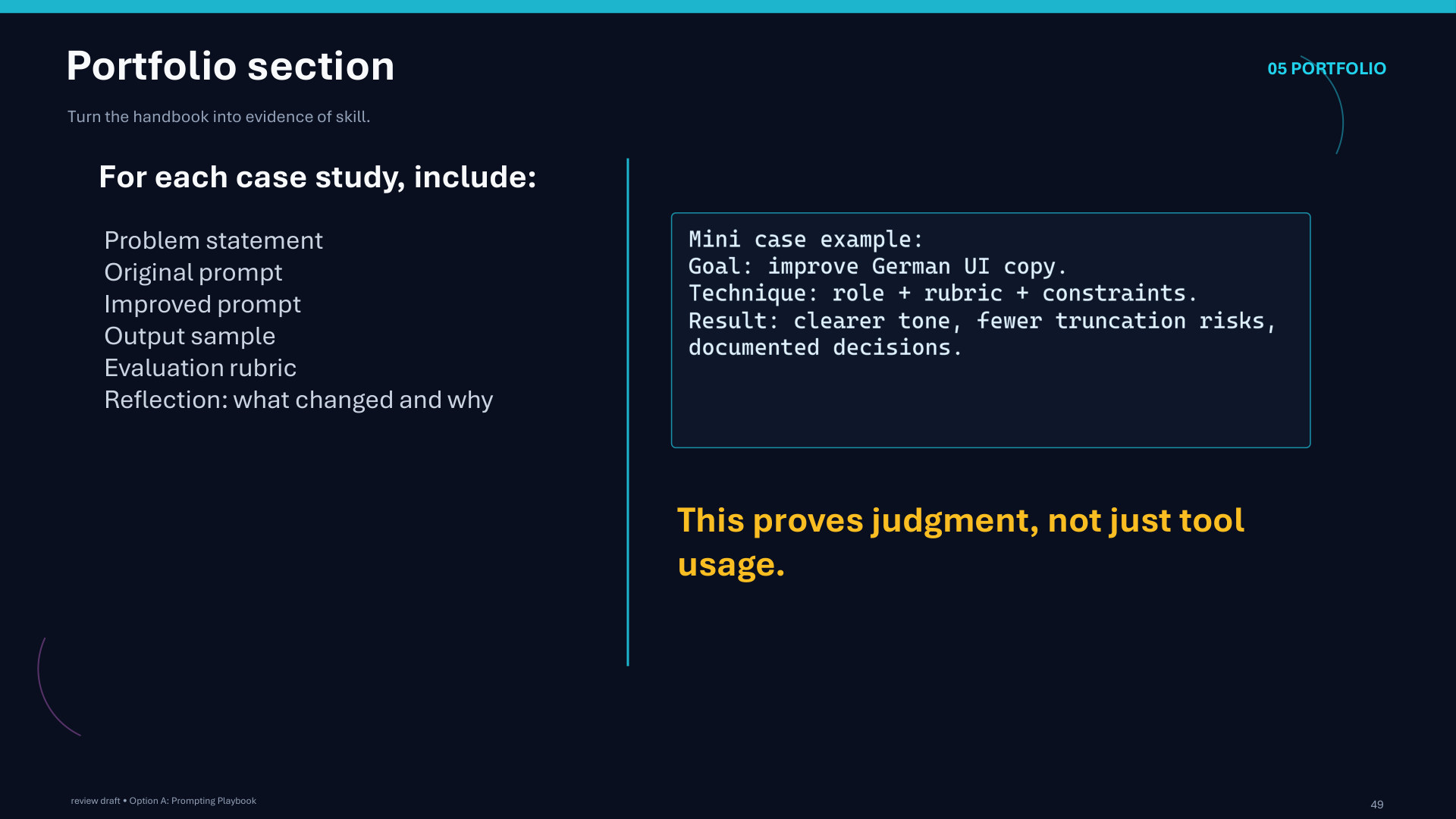
Page 49: Portfolio section
Page 50 of 51
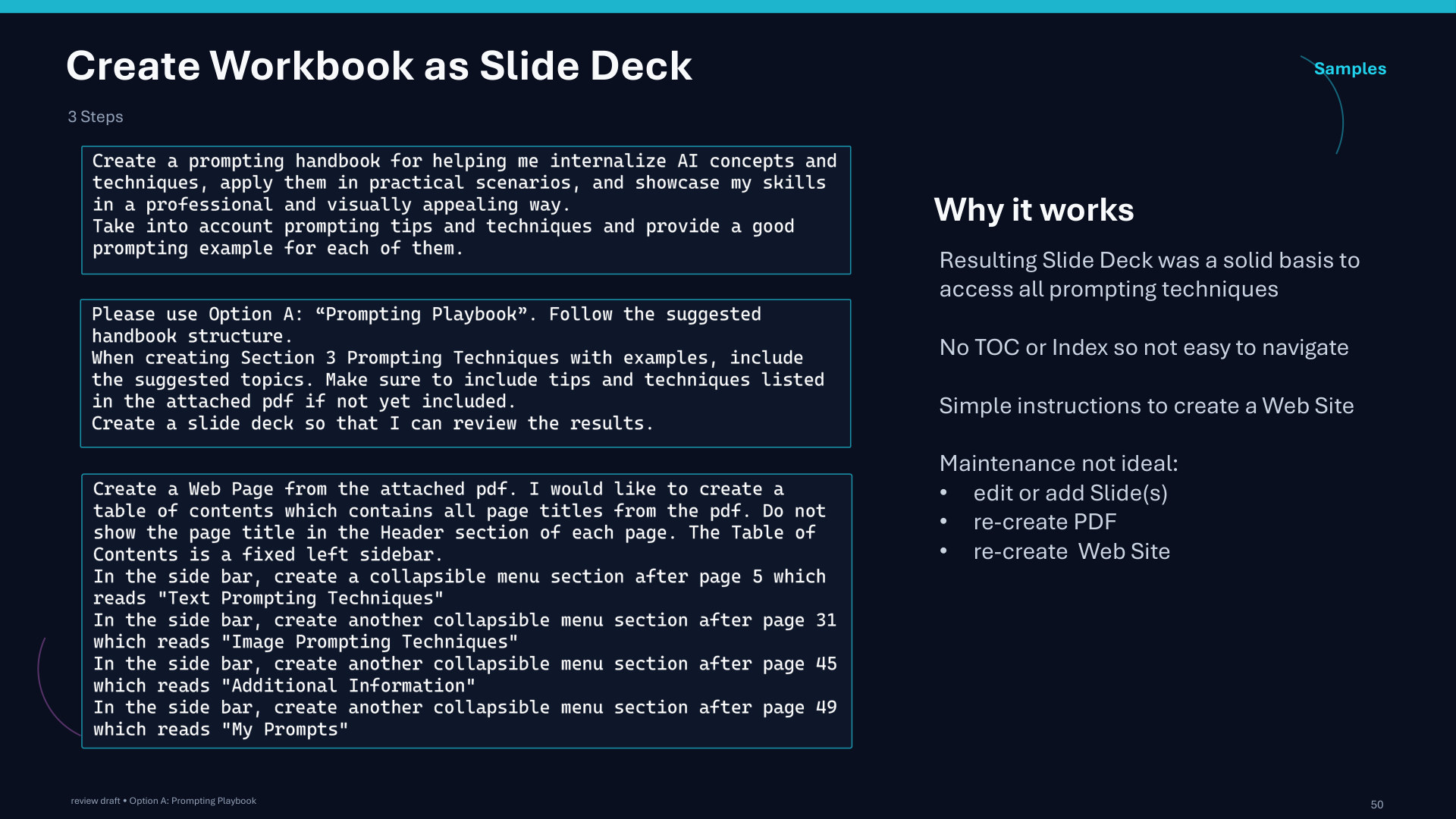
Page 50: Create Workbook as Slide Deck
Page 51 of 51
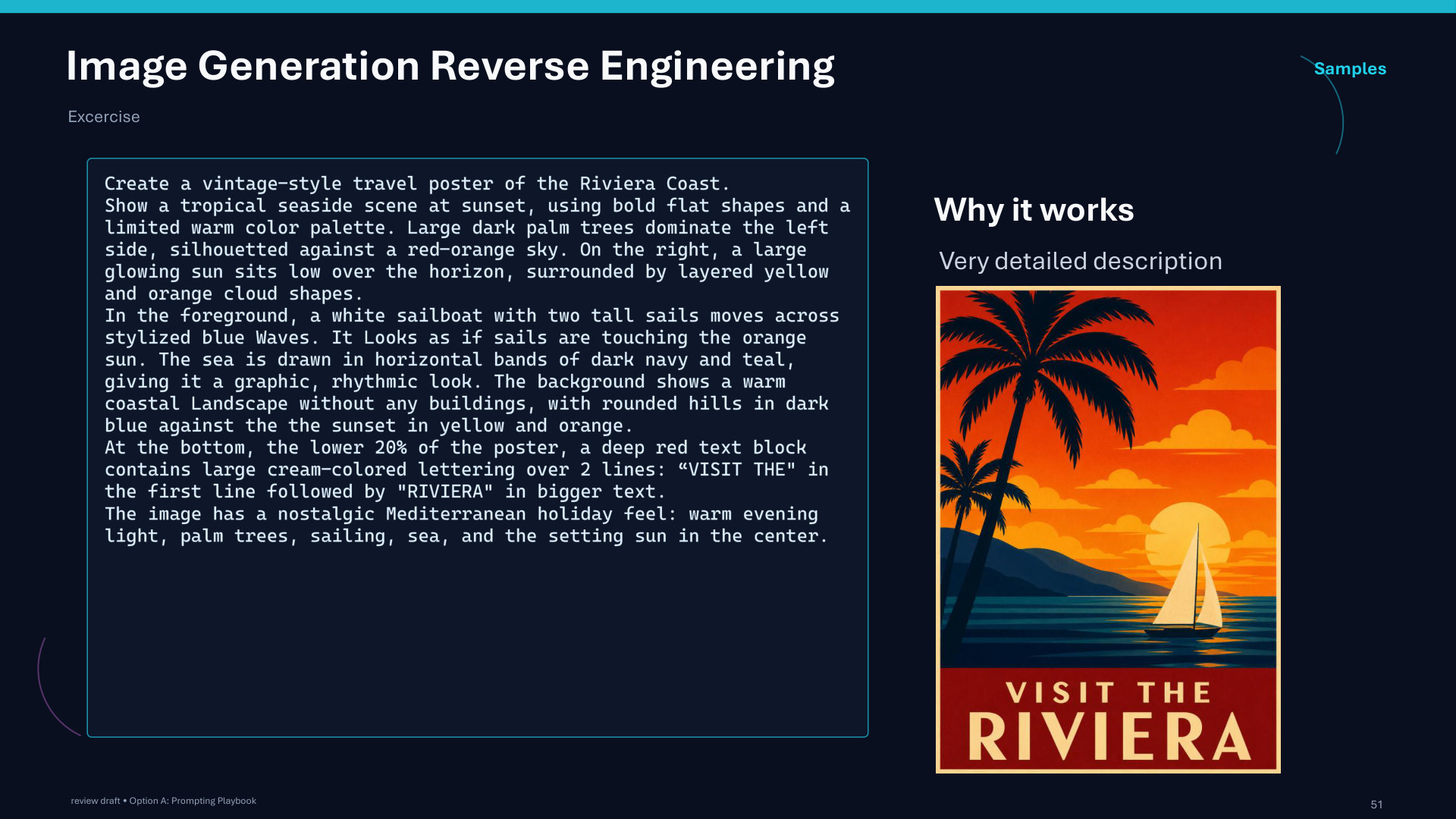
Page 51: Image Generation Reverse Engineering